Opto Datalink
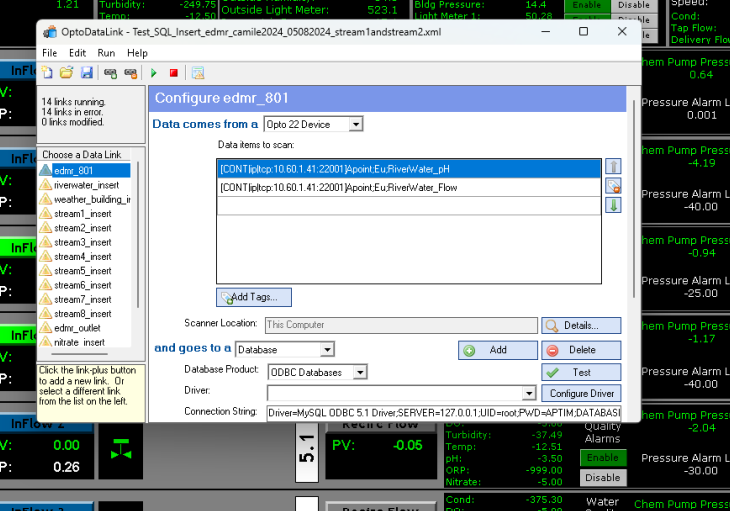
Currently we are using the Opto Data Link as the go between the Opto Devices and the MySQL database. However behind the seanse the data link does even more. It is the main comunication link between processes. The Opto data link can even start the opc server.
The data link is the only actual service not just background process that Opto installs with it's pro version.
 The opto Datalink can connect from devices to the database this is the use case we are going to replicate for ESF.
Connecting to a MySQL database was a challenge.
In order to get it connecting we had to install the 32-bit MySQL driver (it has to be the 32-bit version, not 64-bit) also that was a little confusing on the MySQL community website. It needs to be the one Windows (x86, 32-bit), MSI Installer the other one only downloads the 64 bit version.
 We were able to use the ODBC driver to connect our database to a file. You can see we are using the ODBC Diver and not the SQL diver that is imporant as we could not get the SQL driver to work at all.
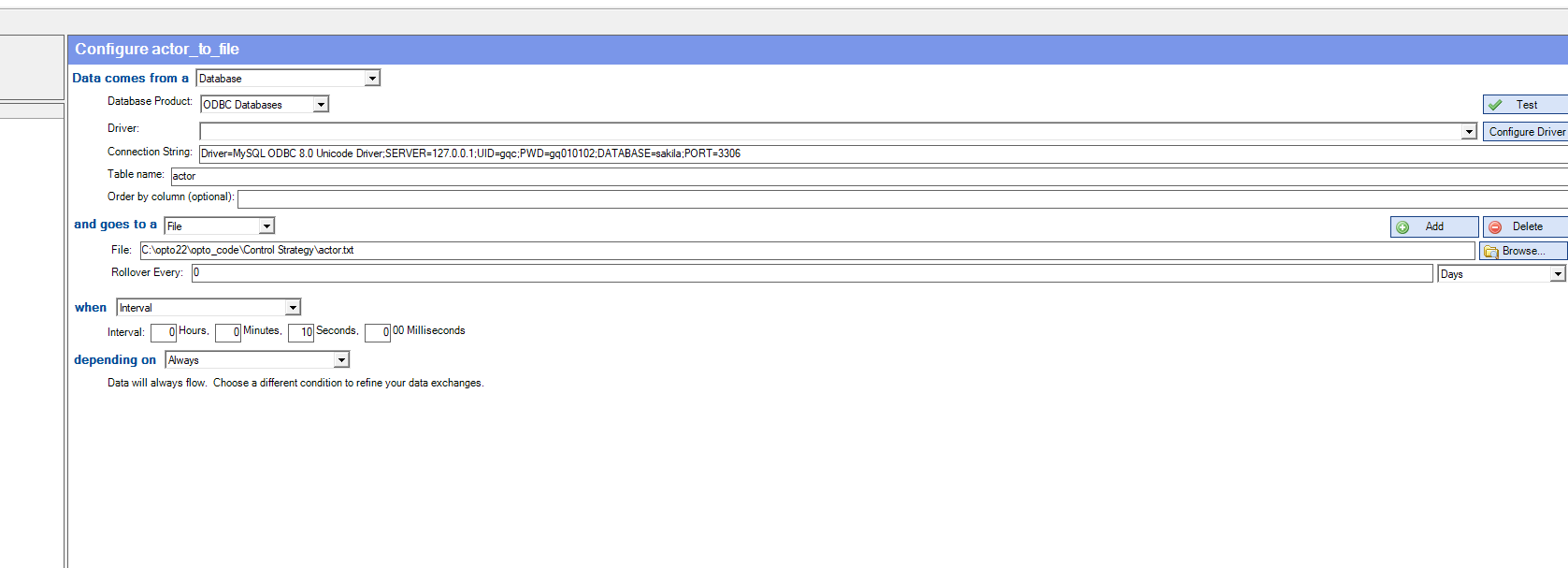 Everything is working, and we’re successfully printing the database to the file.
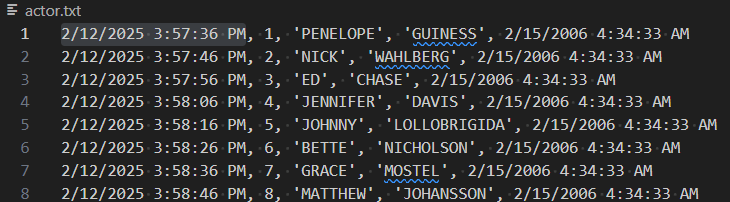 The next step was getting the file back into the database, which was a bit trickier. Note you have to make sure there is a column for every piece of data
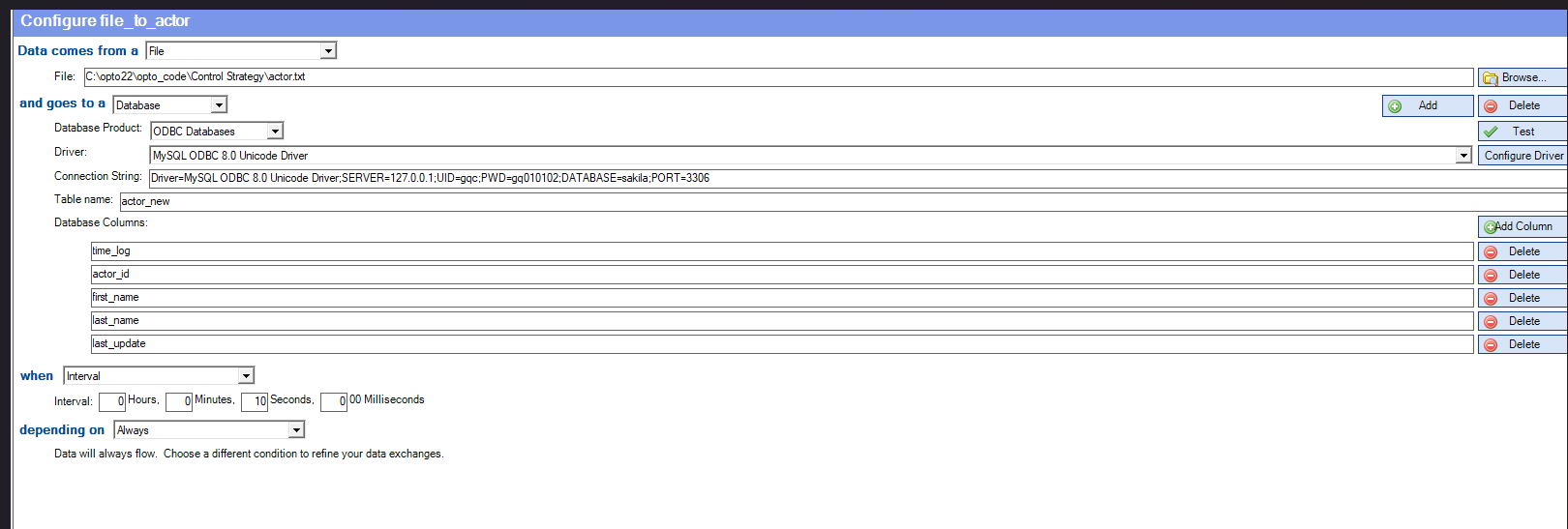 We had to make some adjustments to the copied database, like removing auto-increment and changing the time format to VARCHAR since MySQL didn’t like the printed format and adding a new column as the 1st column in the file is a new time. But we got it sorted out.
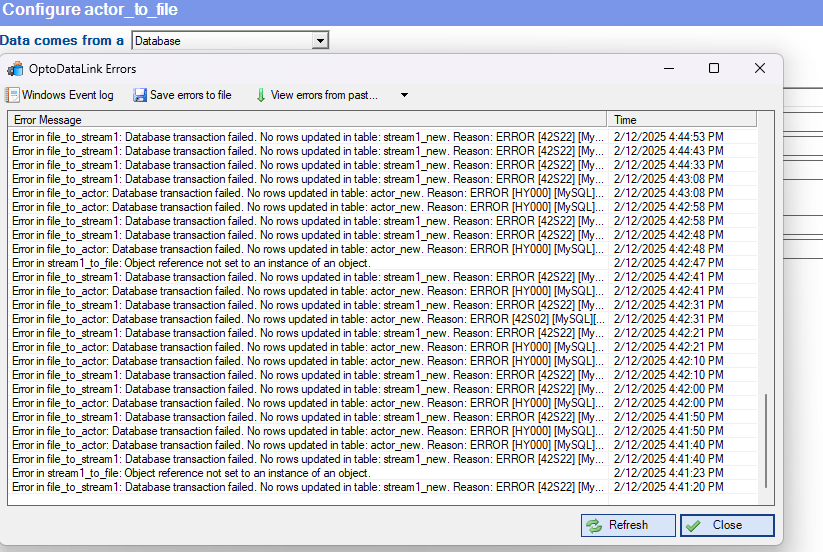
 There is also a decent error log and that was how I was able to figure out where my errors were coming from.