Known Issues
This page documents some known issues when working with RSMS.
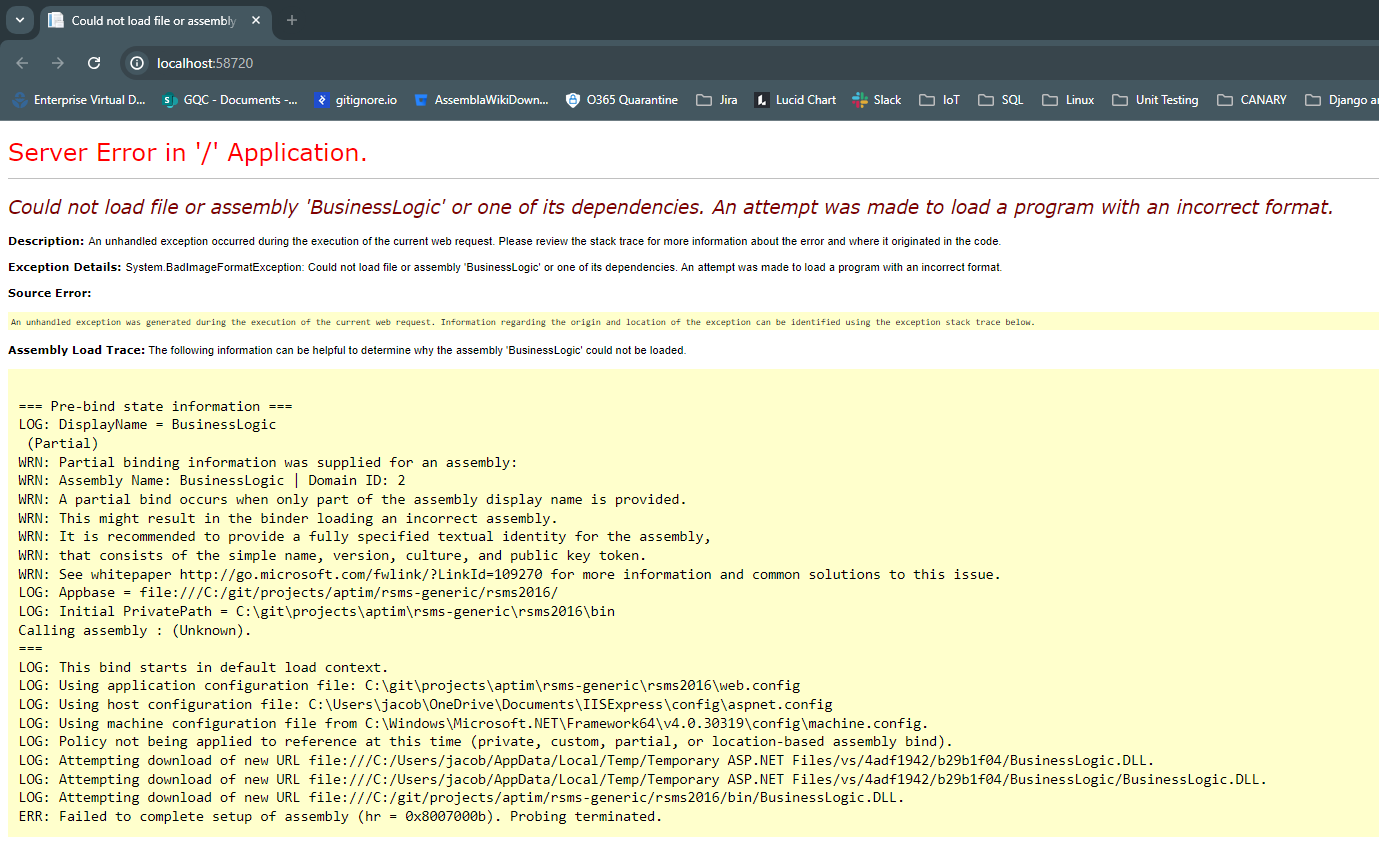
Could not load file or assembly 'BusinessLogic' or one of its dependencies
This error message can be seen immediately after launching the application. It is caused by a target platform mismatch, i.e. x64, x86, Win32, and AnyCPU. To fix the error message, you should make sure all projects, but especially neutshell, are targeting x64.
NOTES
- Any configuration seems to work fine on Melissa's machine.
- Only x64 works on Jake's machine.
- Only AnyCPU (as published) works on the Dell RSMS machine. This works no matter where it's pre-compiled/published from (i.e., while it doesn't run on Jake's machine, this configuration builds fine and runs on the Dell fine).
Runs Fail due to Neutshell Hanging, no TIM file
This is a common issue that is caused by a missing RMI file.
To fix, you should ensure you have the proper RMI file for the network, that it's stored in a valid location on your local filesystem (i.e. C:\RSMS\OH\Ohio.rmi), and that the path is correctly defined in your web.config file.
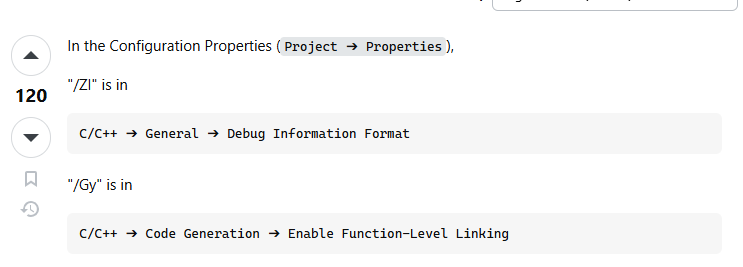
Visual Studio error D8016: '/ZI' and '/Gy' command-line options are incompatible
This occurs in C/C++ projects that are improperly configured. The error has shown up in the past in Neutshell, and it's entirely possible it might crop up again. To resolve the error, simply change both of the mentioned settings to "inherit from parent", or you can turn both of them off.