Azure Storage
Storage has a combined Unique key of Partition Key and Row Key.
Table Storage
Table storage does not have a strict structure like SQL Tables. Instead azure table storage uses a property bag it allows for more flexibility allowing you to add new columns as needed however if the developer is not careful then additional columns may be made by mistake as the columns are case sensitive.
Combined Tables
These are tables that contain both Stomwater and SWMM Data.
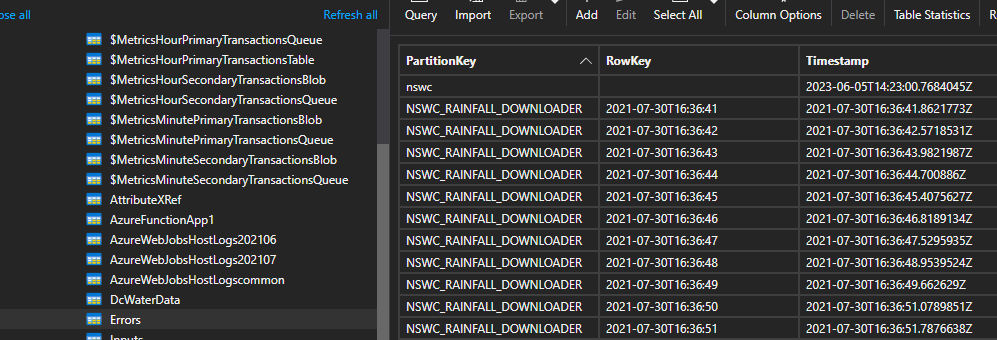
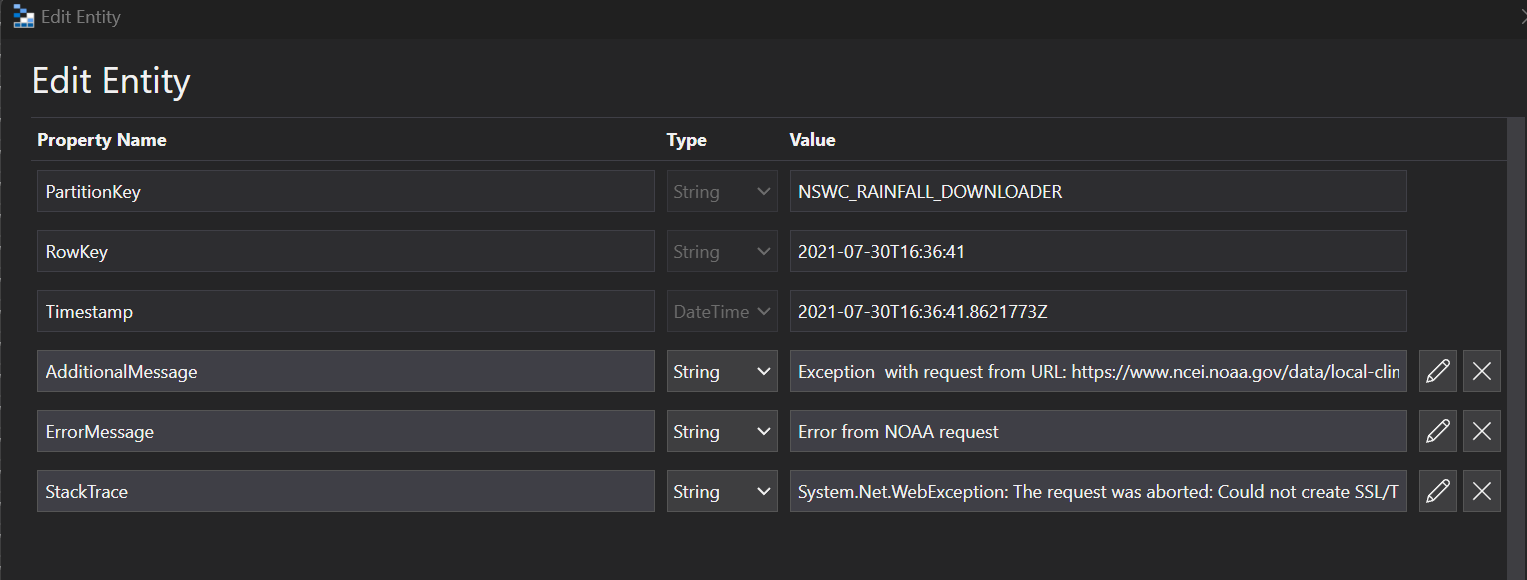
Errors
SWMM Input
Inputs

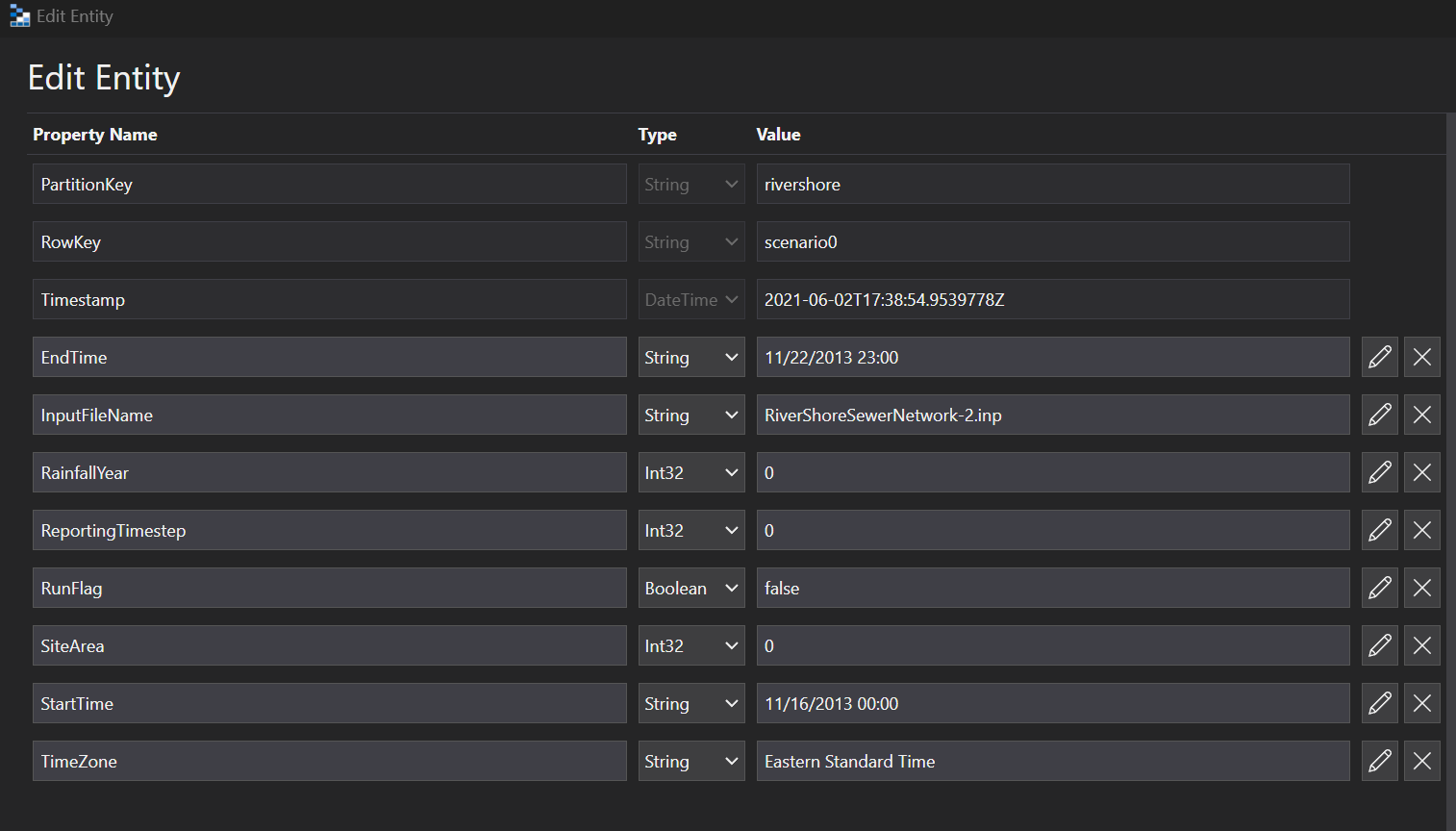
SWMM Run
Runs

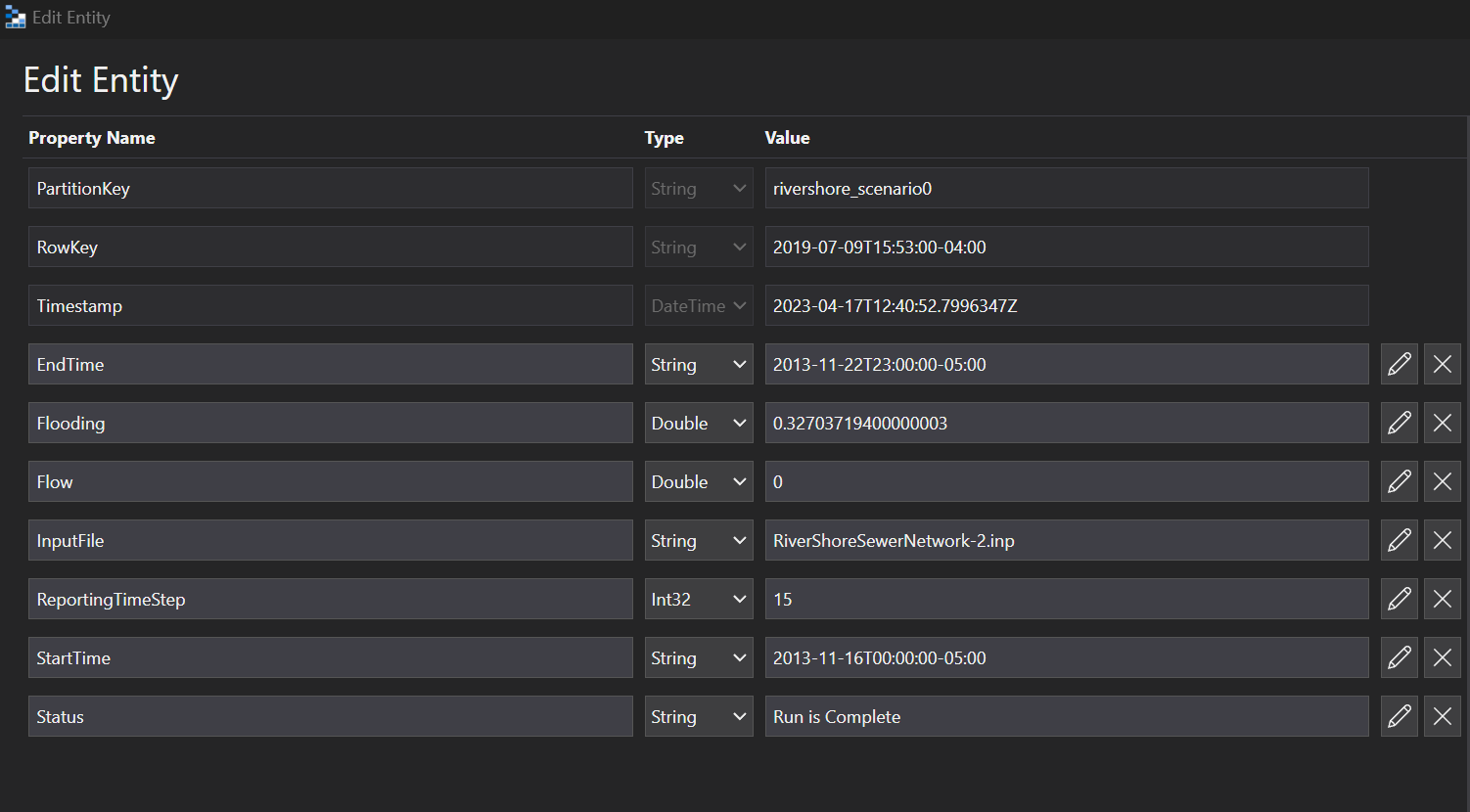
SWMM Output
Link Outputs

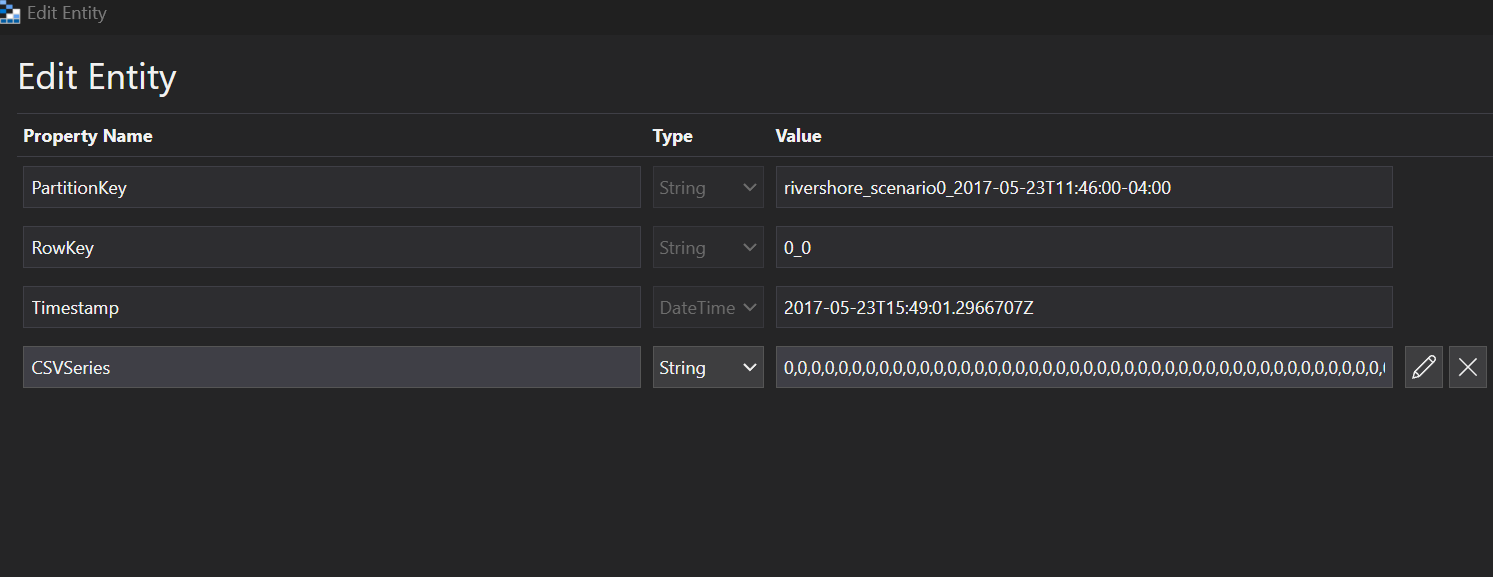
Node Outputs
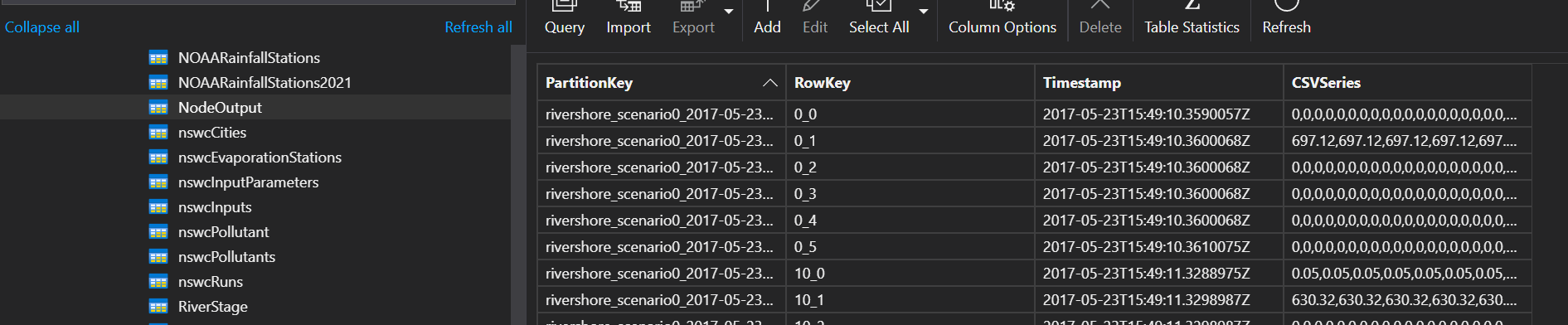
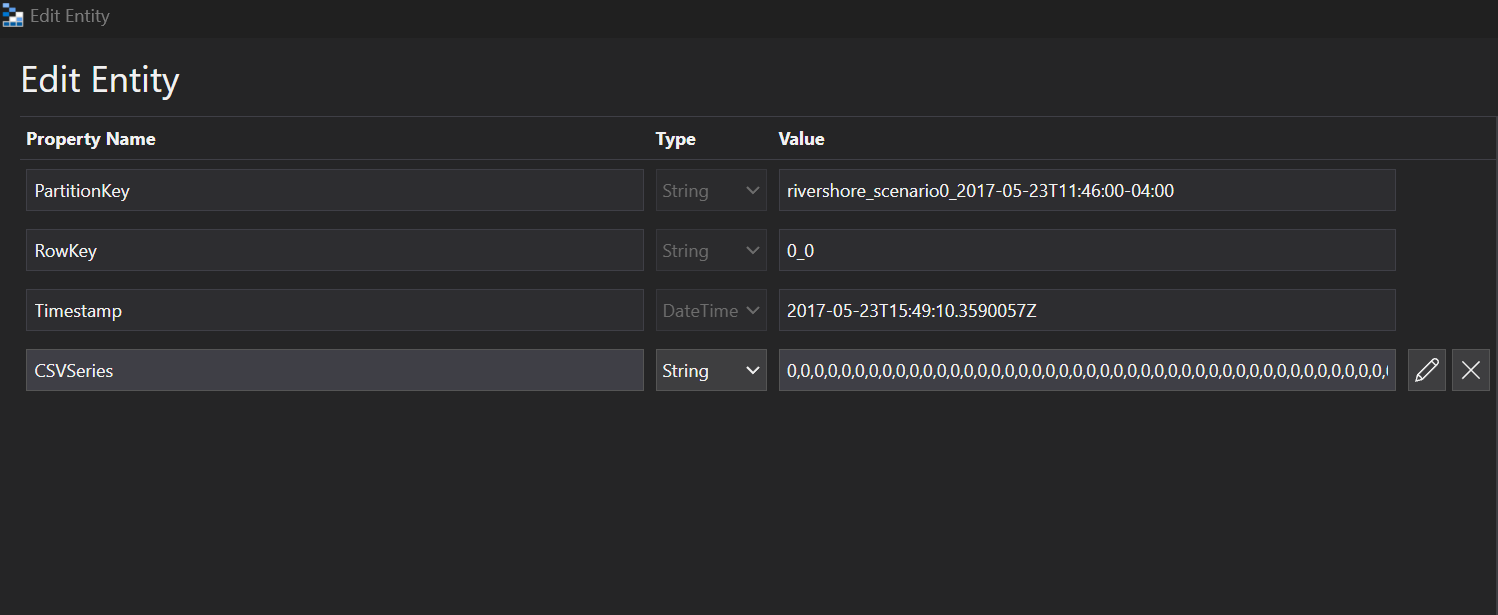
Subcatchment Outputs

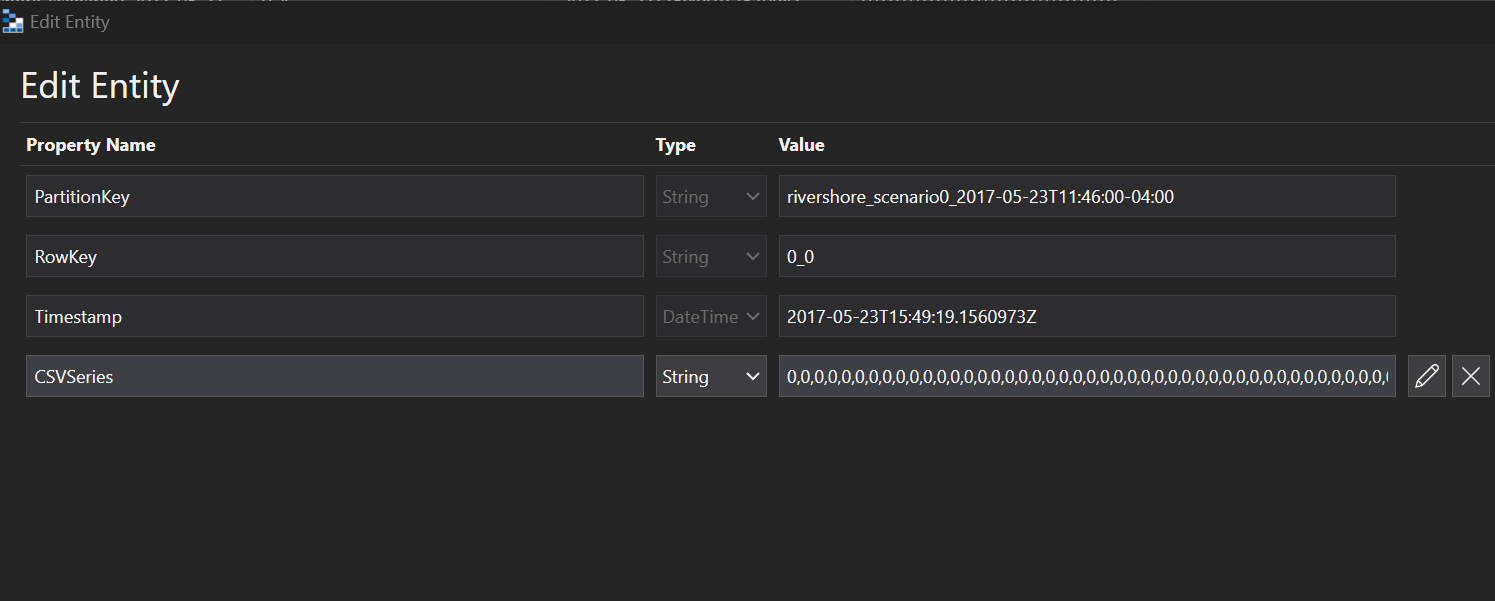
System Outputs
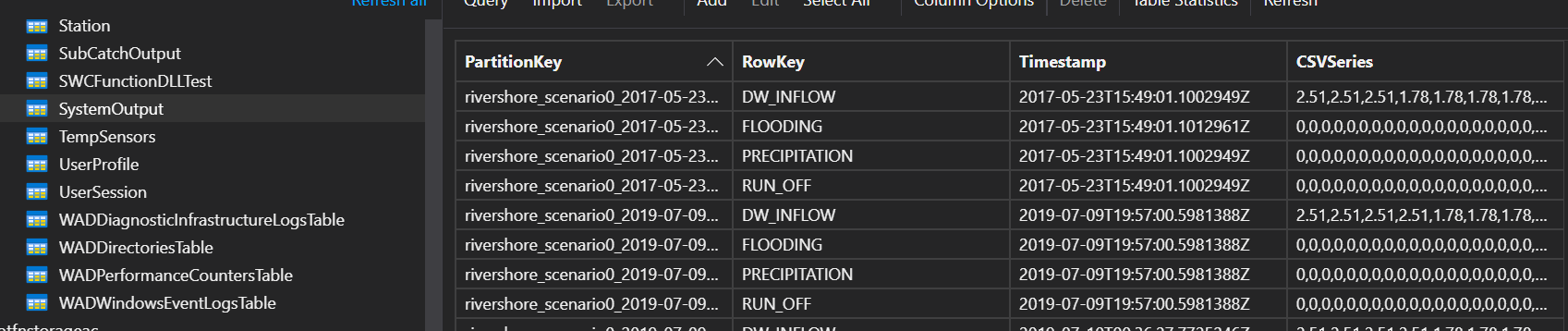
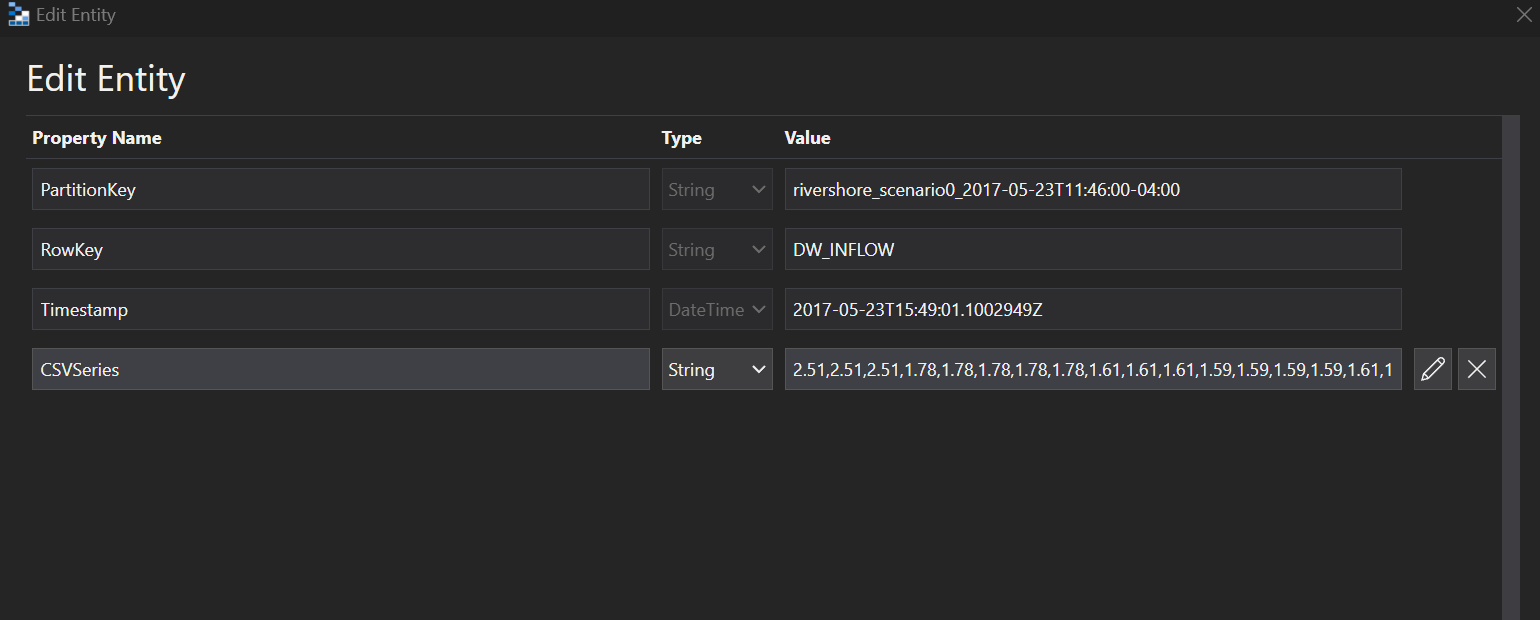
SWMM Sensor
Sensors

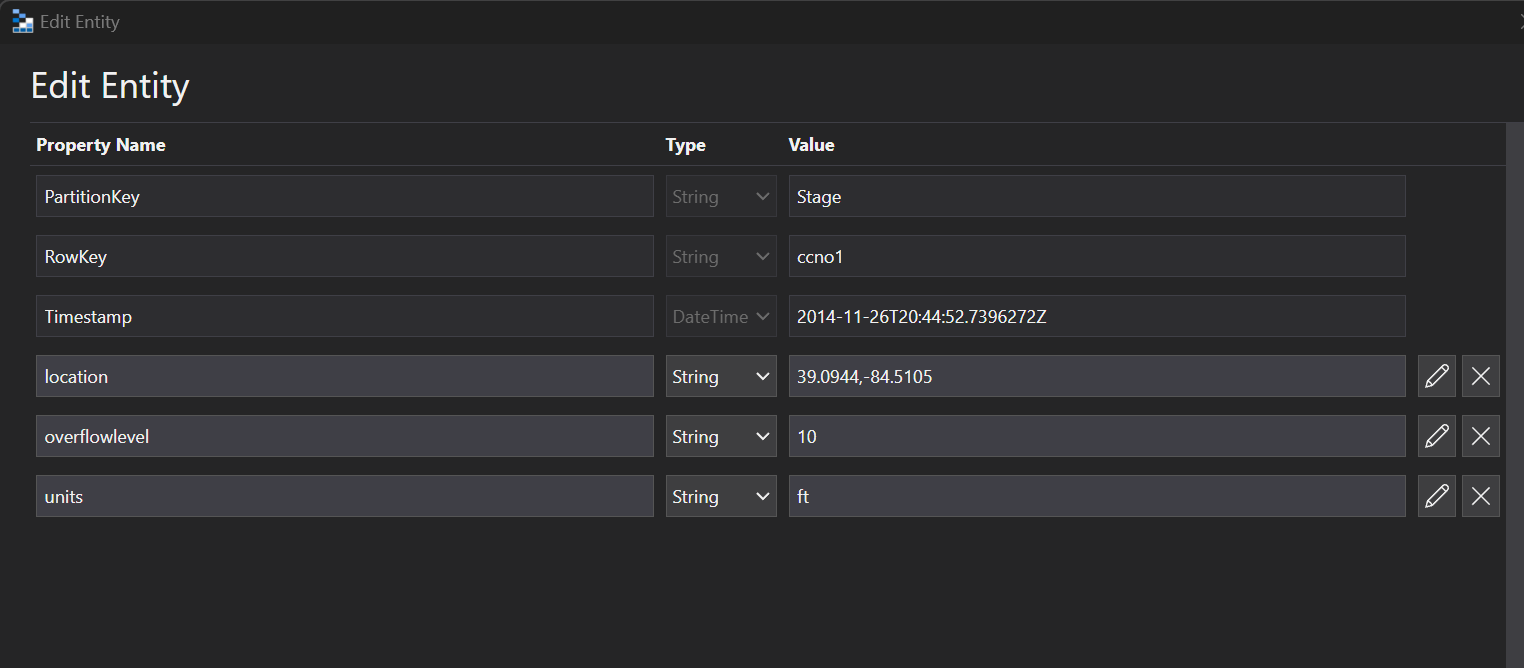
Sensors X Ref

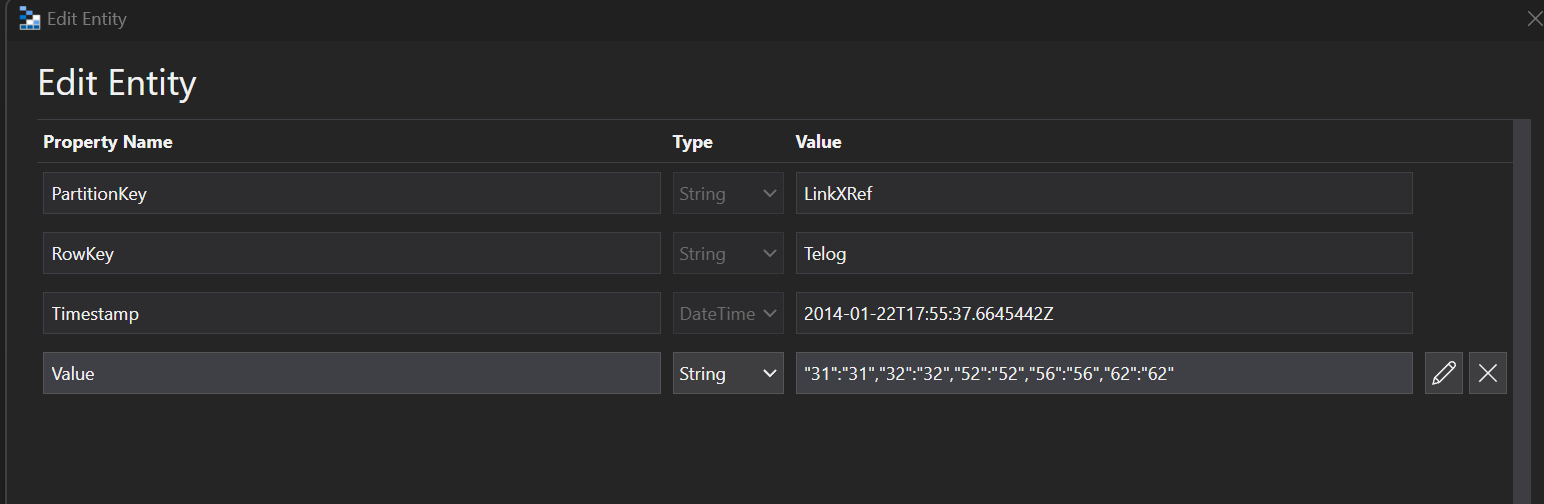
Sensor Data

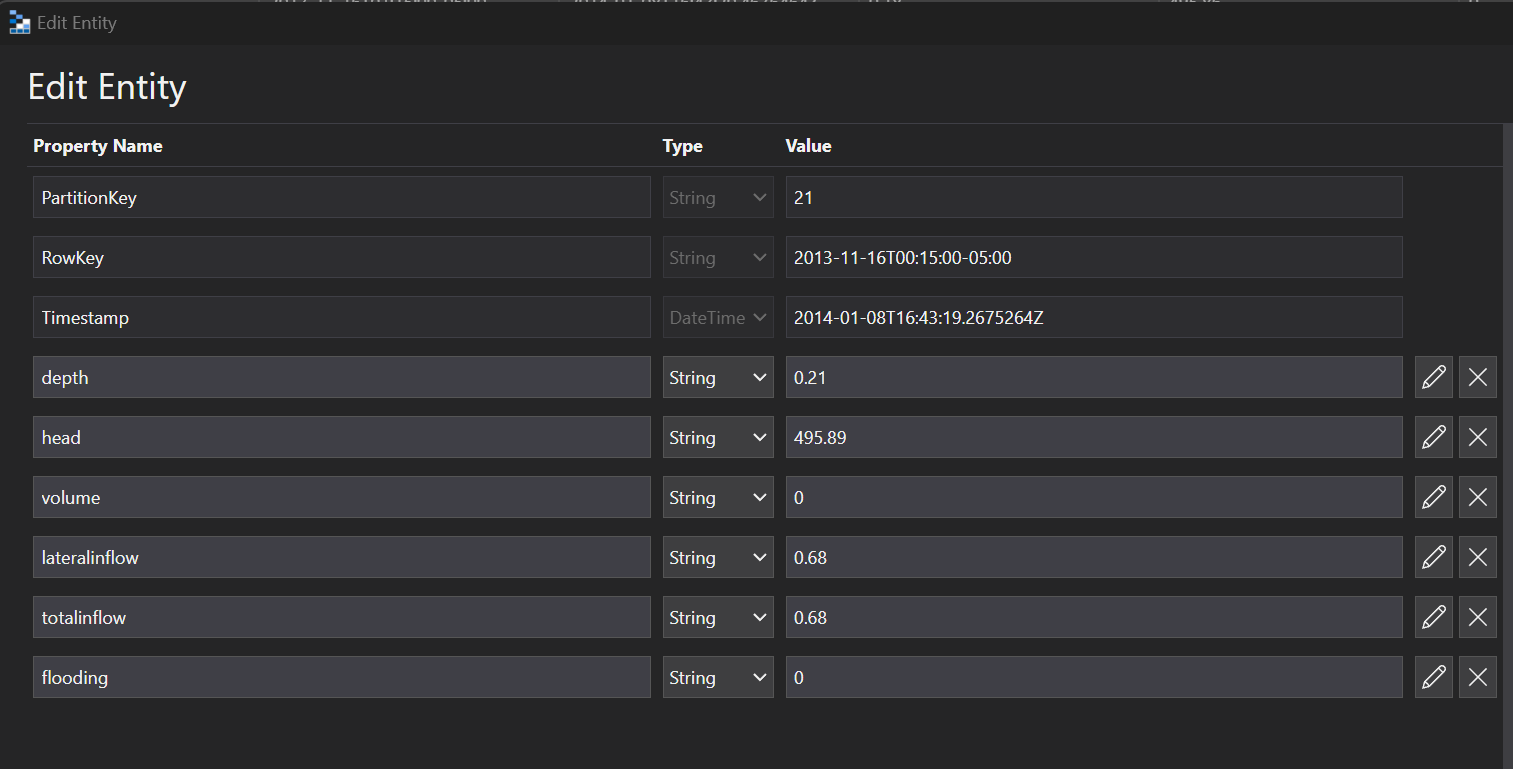
Temp Sensors

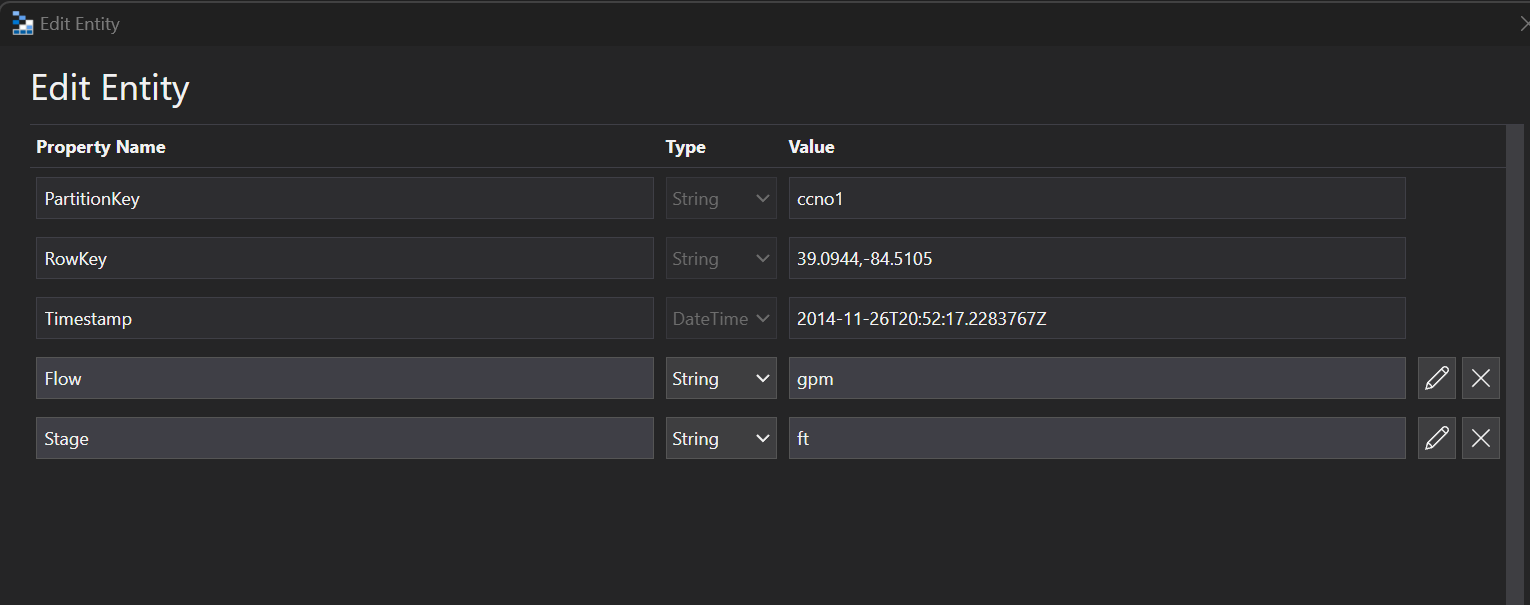
Rainfall And Evaporation Stations
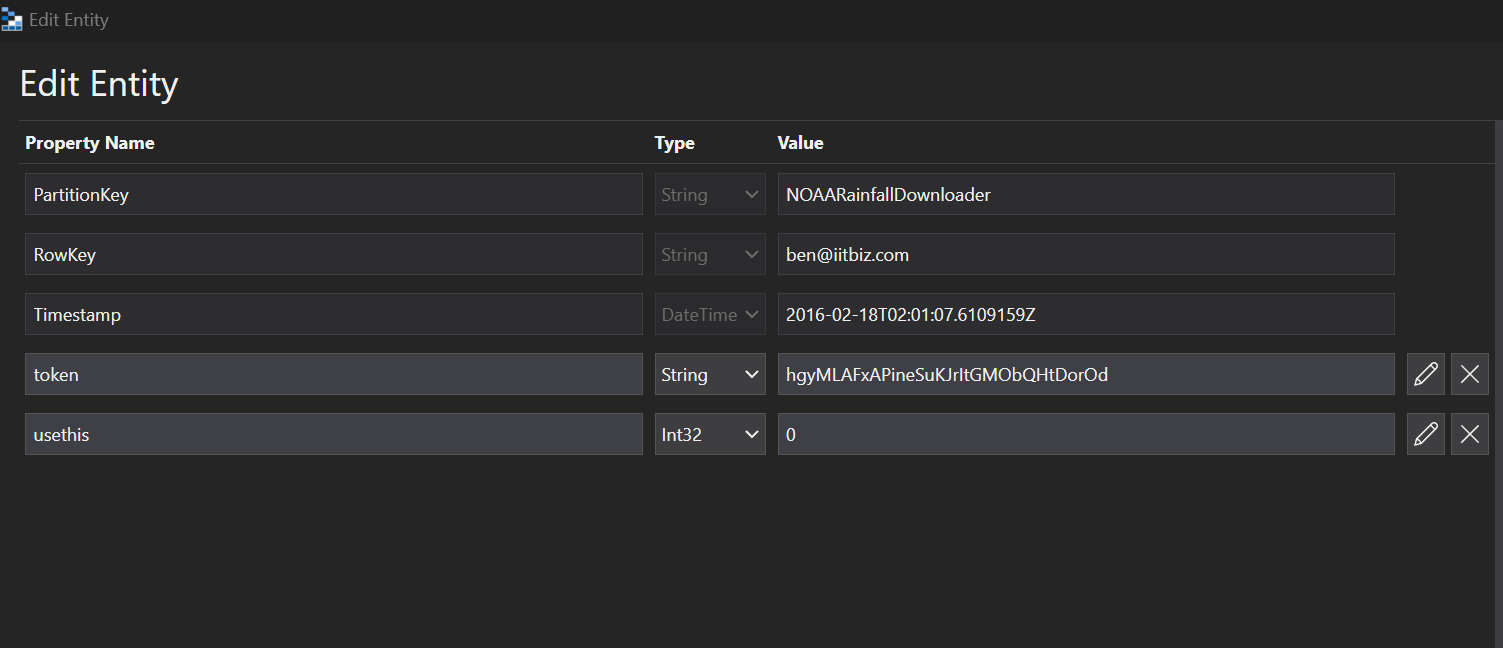
NOAA Account Tokens
NOAA Account Tokens
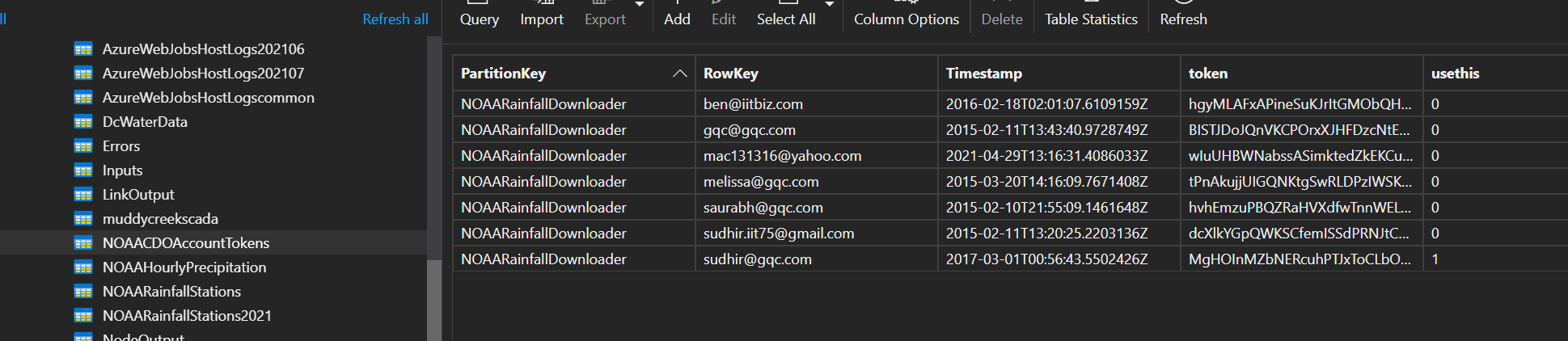
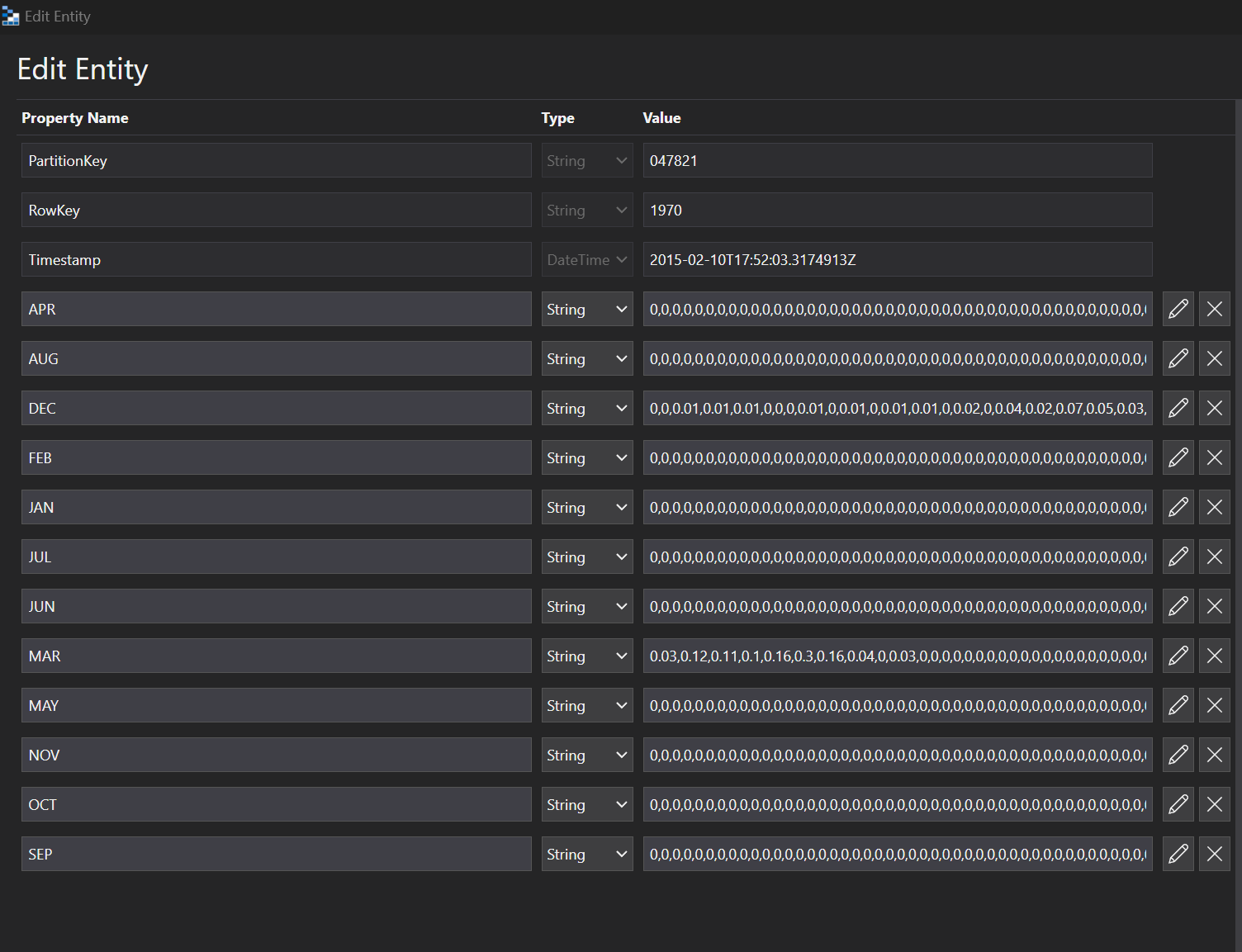
NOAA Hourly Precipitation
Rainfall Data

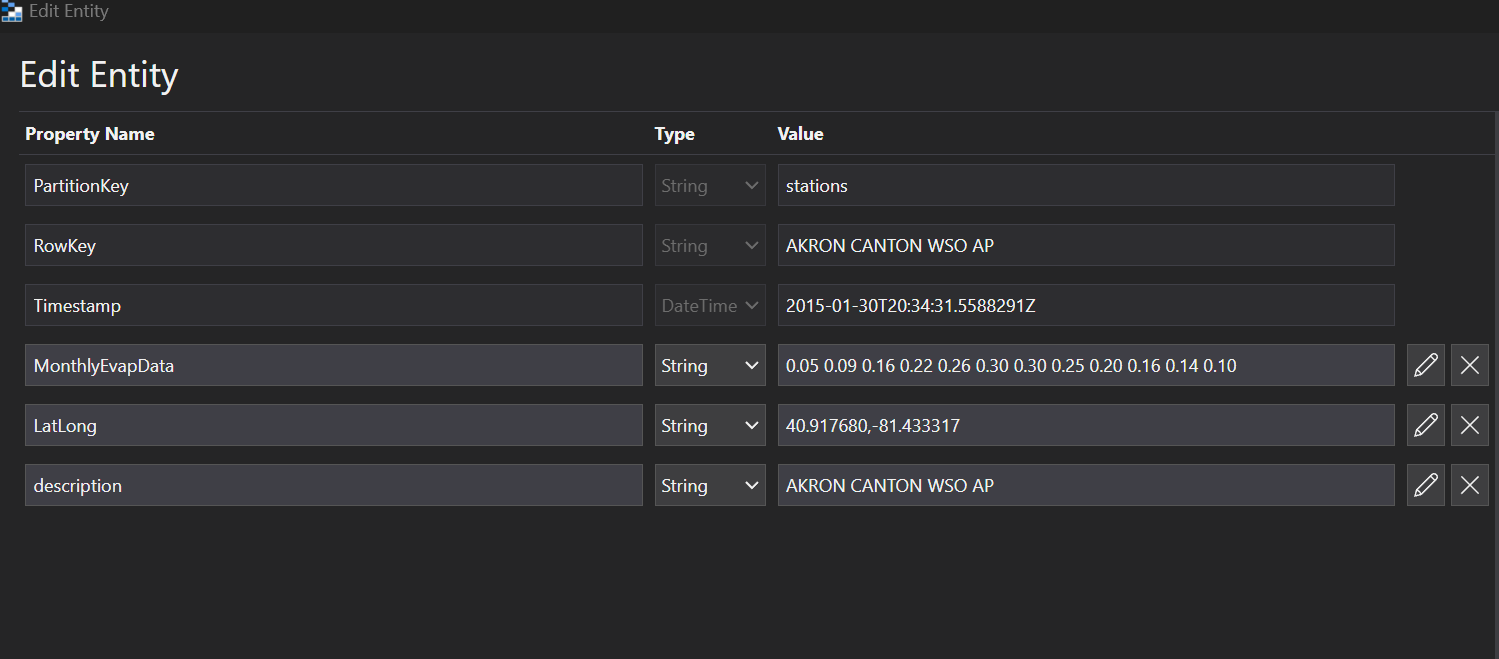
NSWC Evaporation Stations
Evaporation Data monthly

NOAA Rainfall Stations
Rainfall Stations

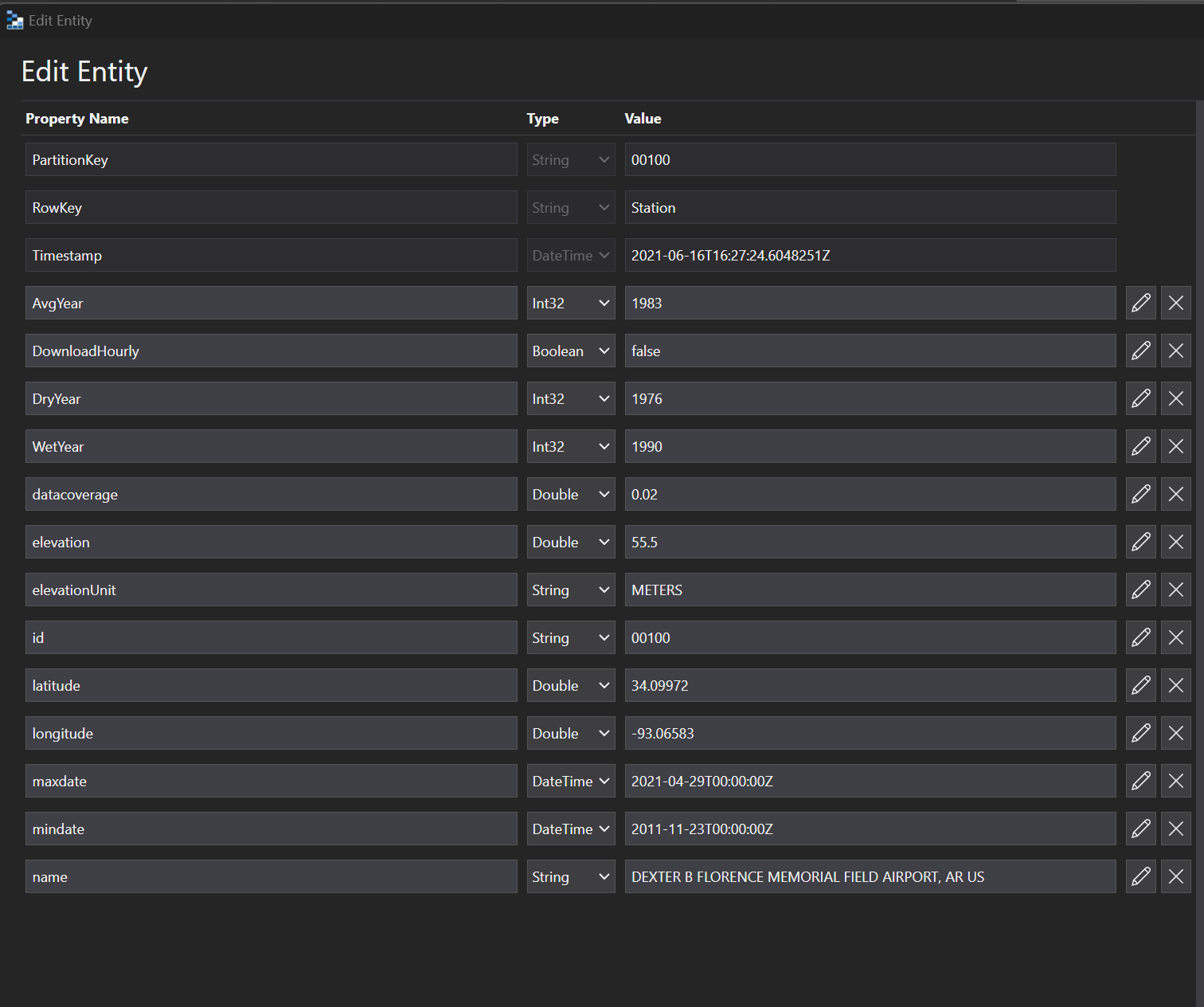
NOAA Rainfall Stations 2021
Rainfall Stations that we have 2021 data for. I do not know where this is being used at this time.

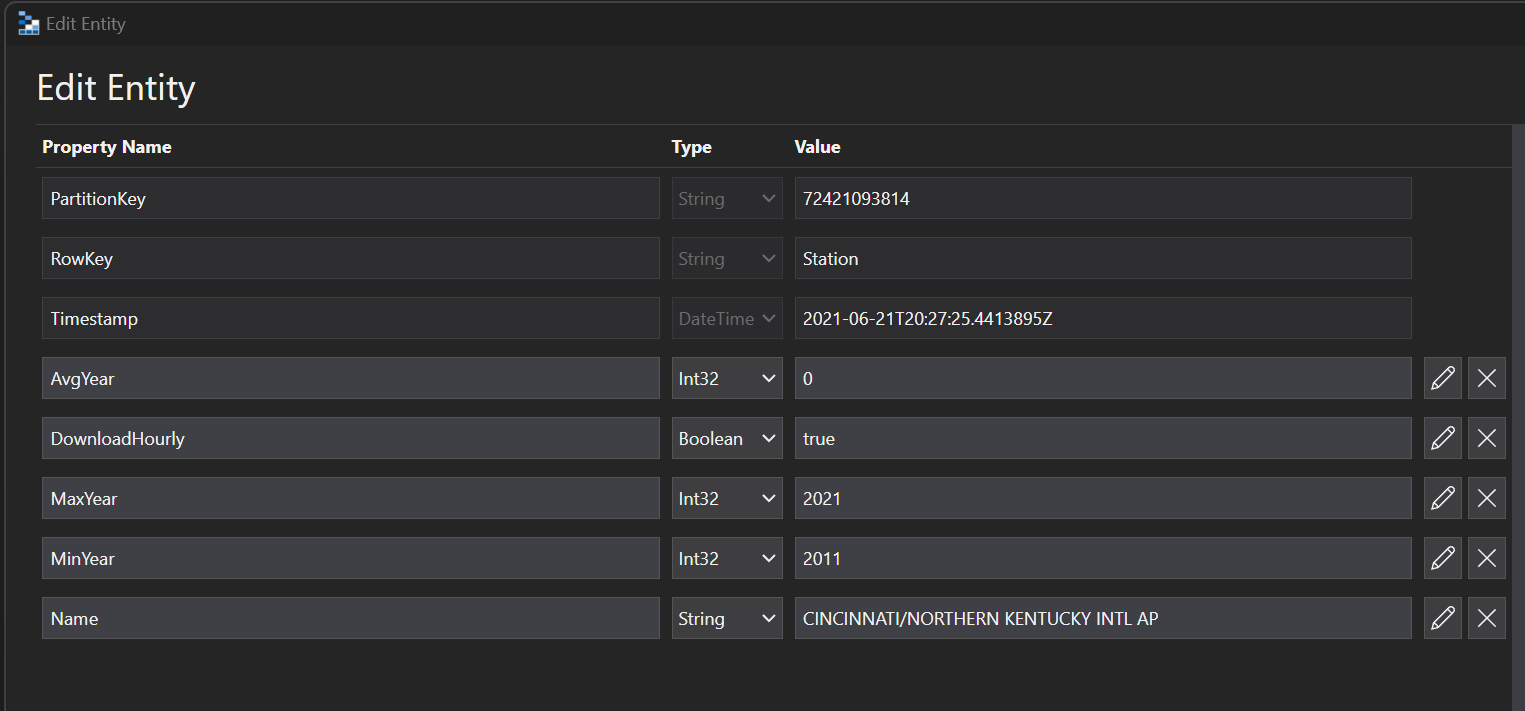
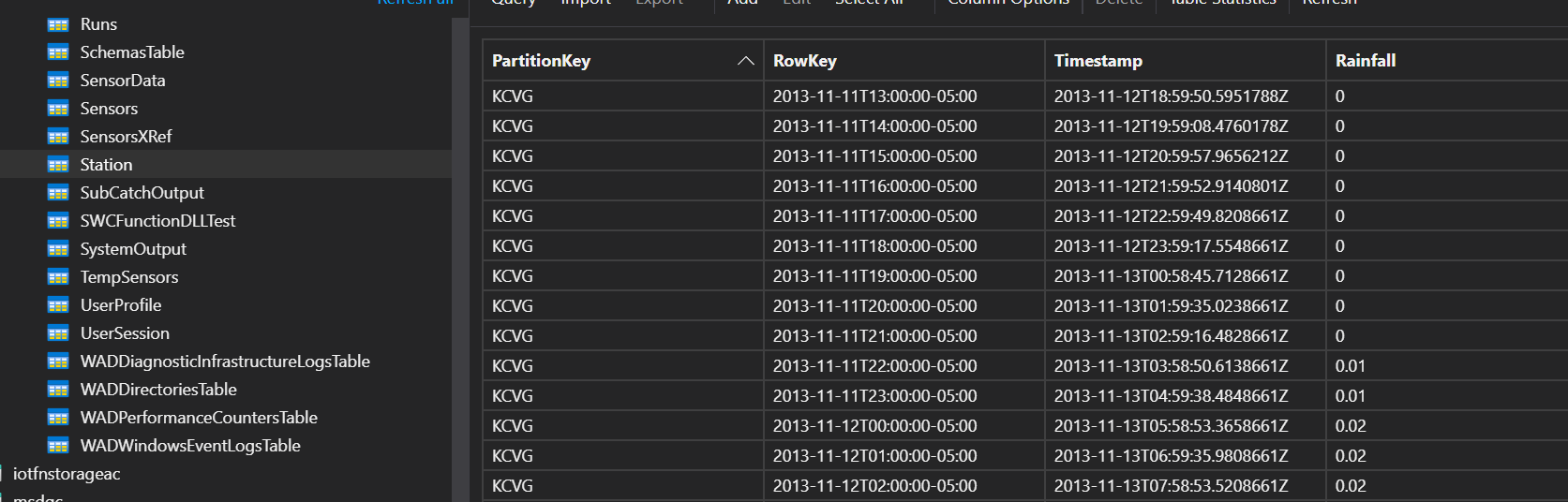
Station
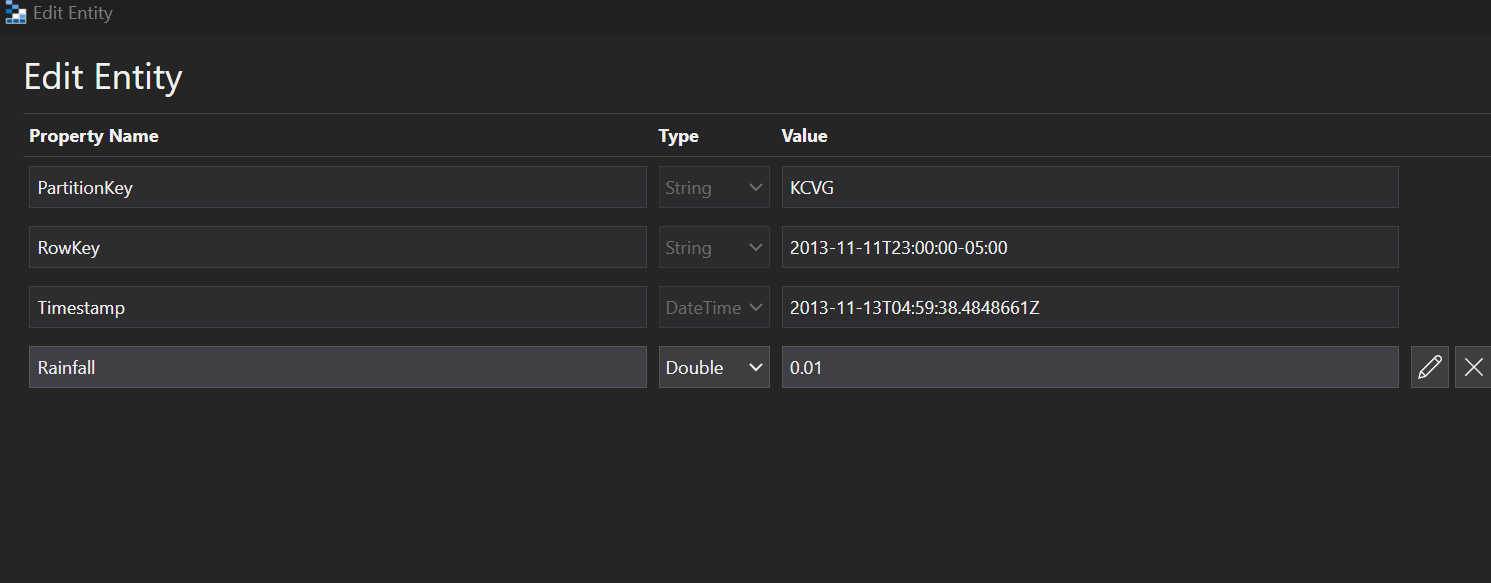
This has KCVG data. I do not know where this is being used at this time.
Stormwater Input
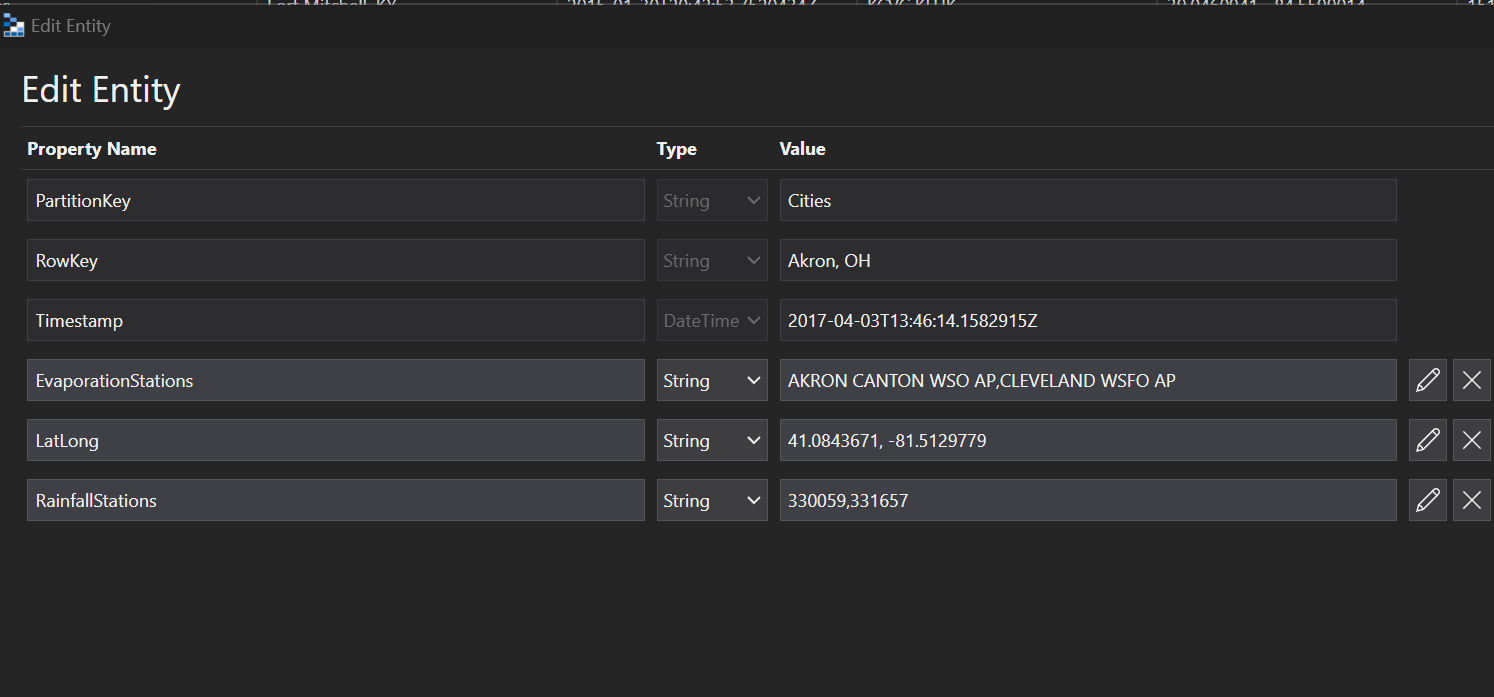
NSWC Cities
List of cities that we have set up to run Stormwater.

Stormwater Run
NSWC Input parameters
This is where the NSWC input parameters that have been chosen by the user are stored. They are passed in for the INP file. This is also the table that is used when the previous results come up.

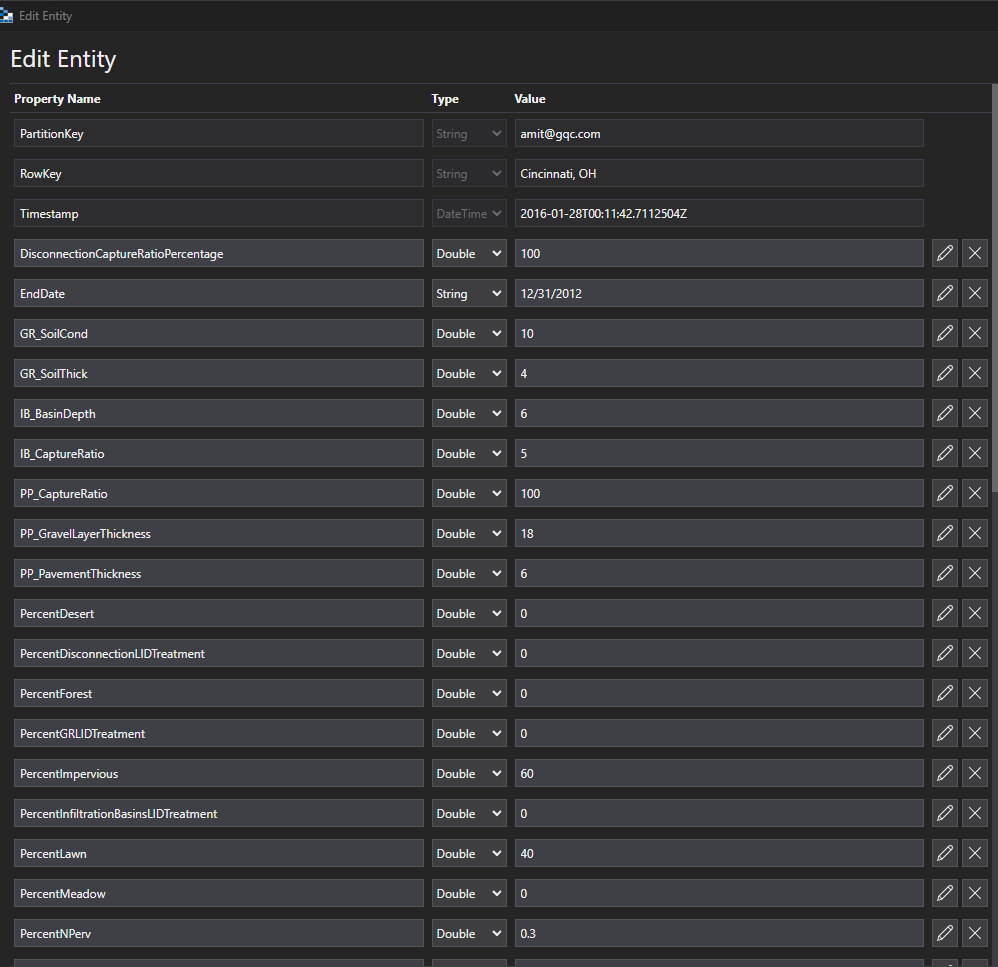
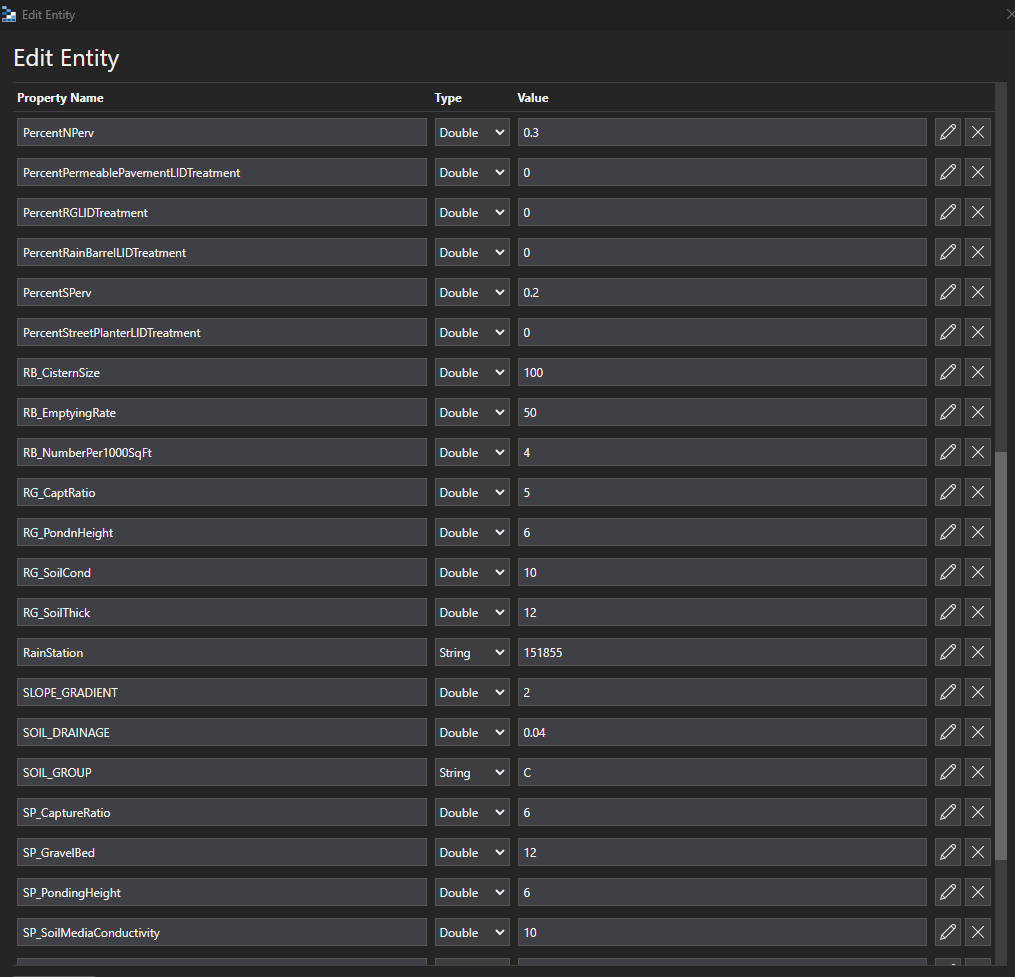
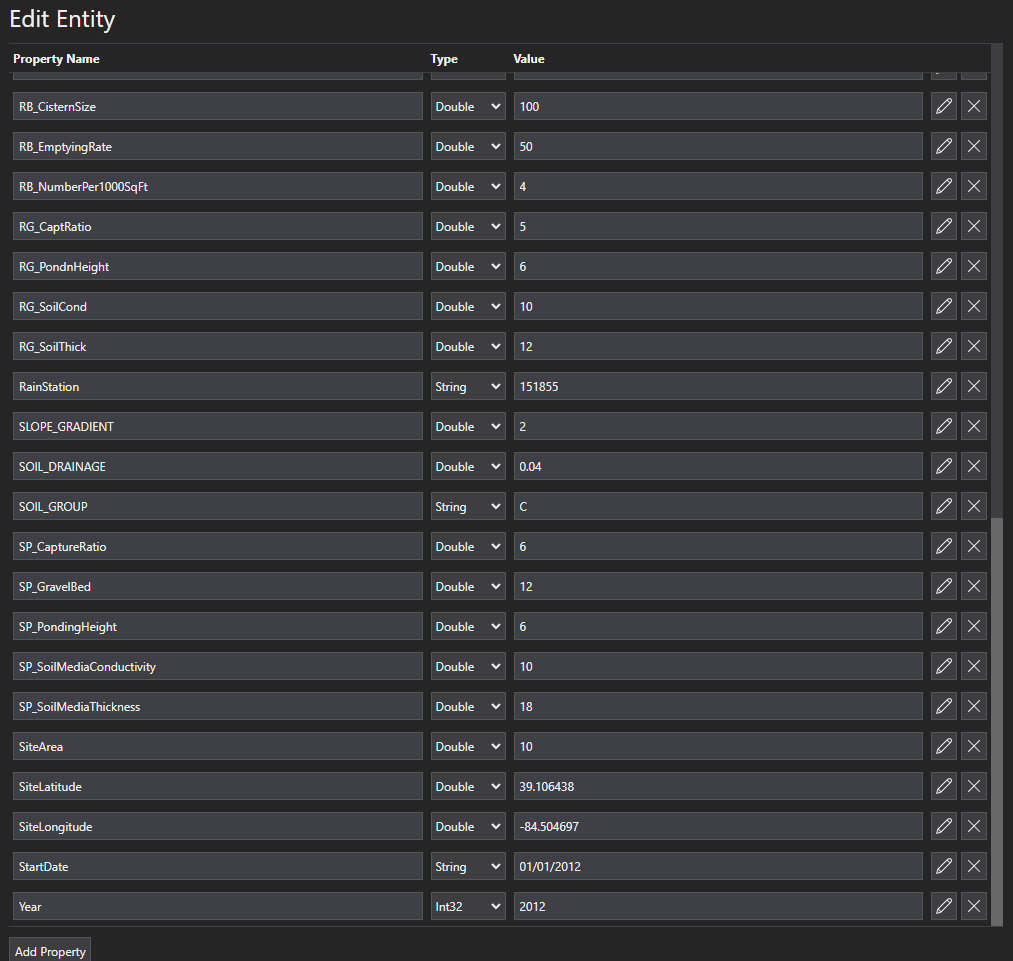
NSWC Inputs entity
This table is what the SWMM engine picks up and runs. It has the flag that is flipped when it is picked up and where you will see if a swmm run is running, complete, or erroring out.

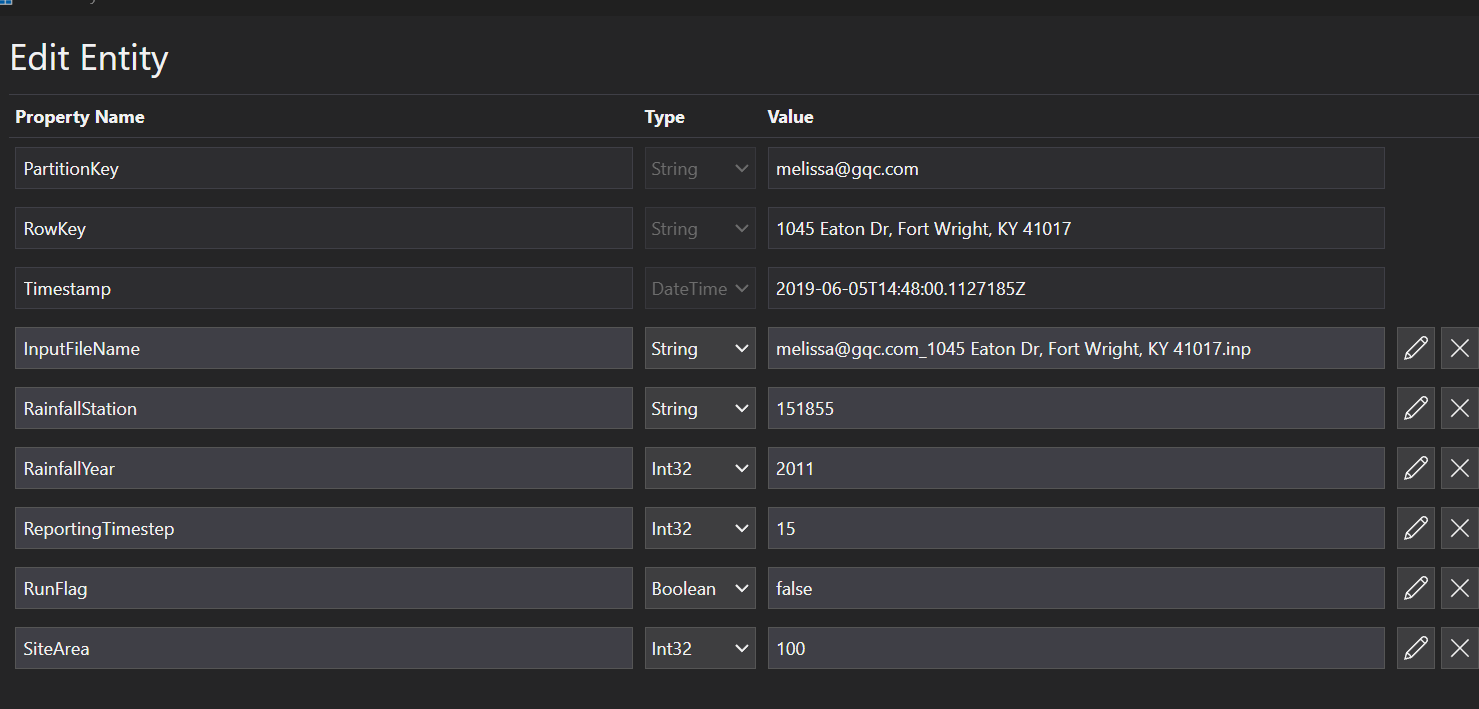
Stormwater Output
NSWC Runs
This table contains the output of the SWMM run from the stormwater Run.

Tables not in Use
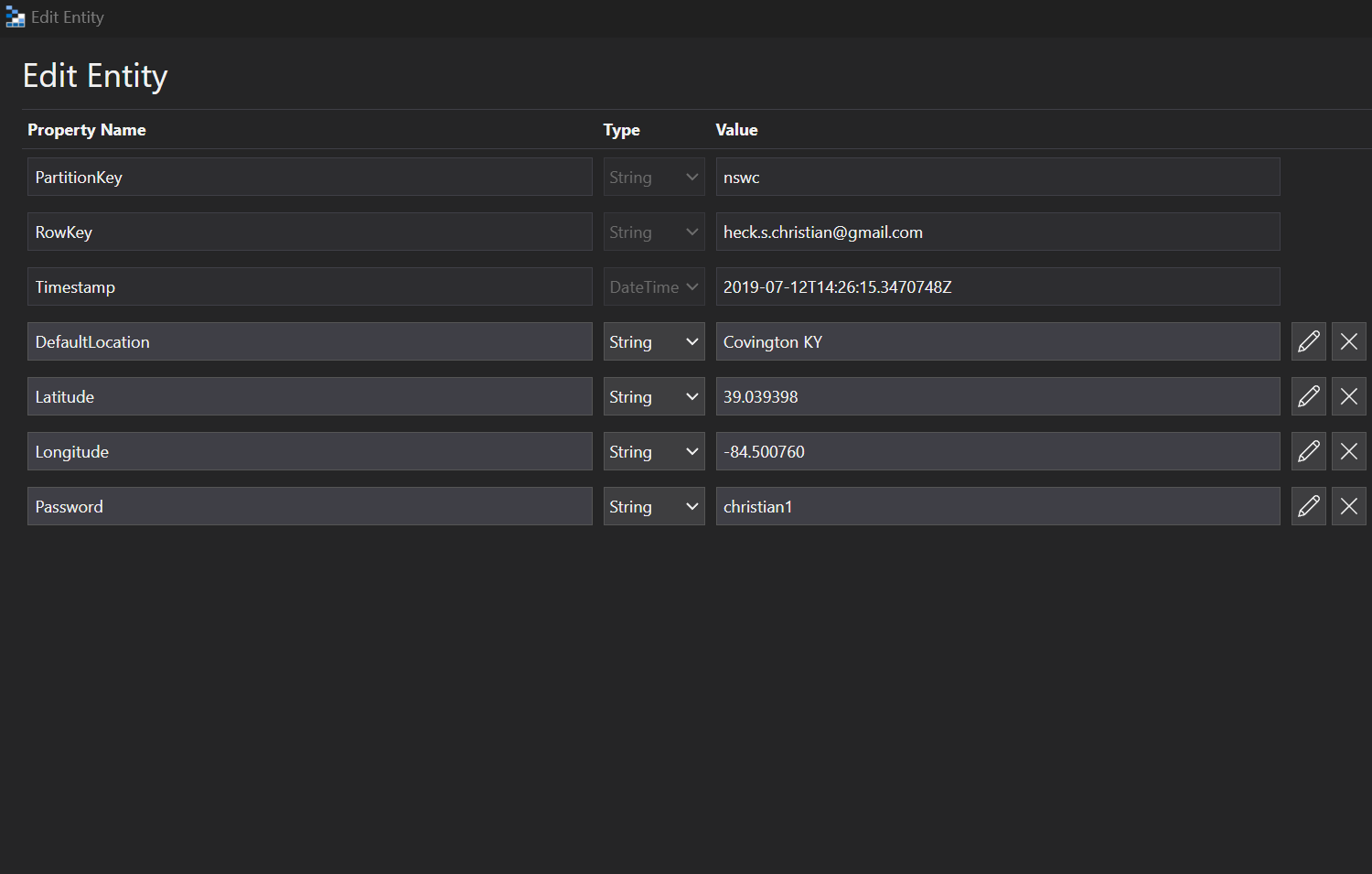
user profile
We are now only using 1 hardcoded user profile.

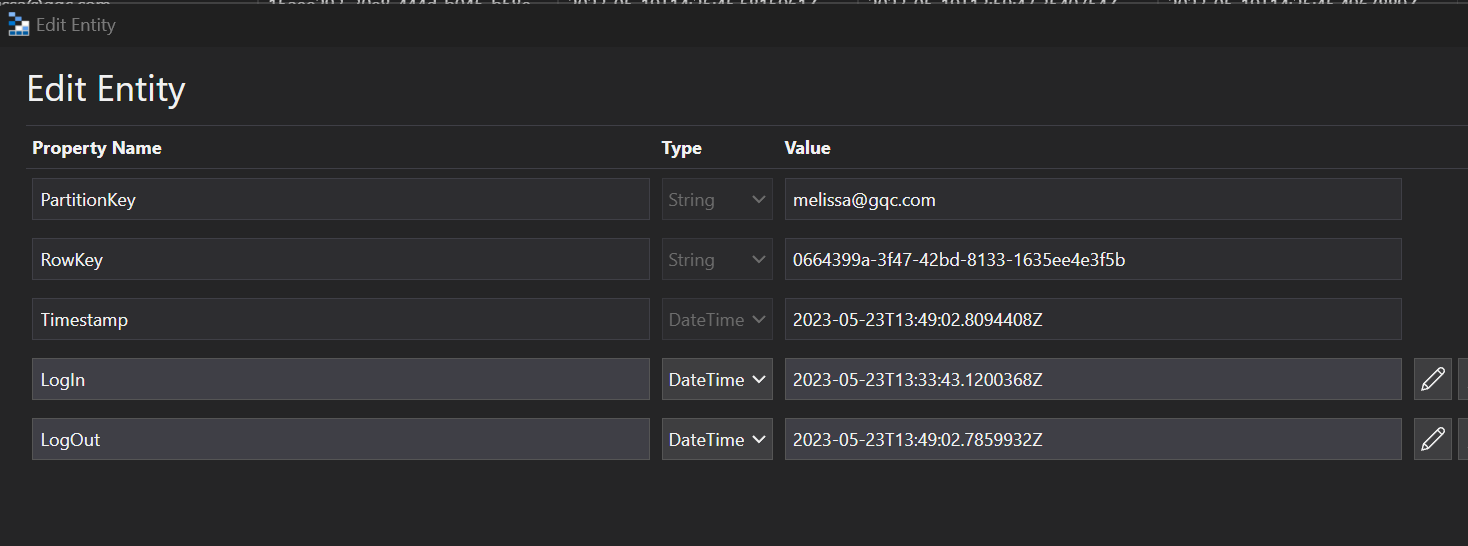
user session
We are now only using 1 hardcoded user profile. This used to record all sessions for an authorized user based on there locations.

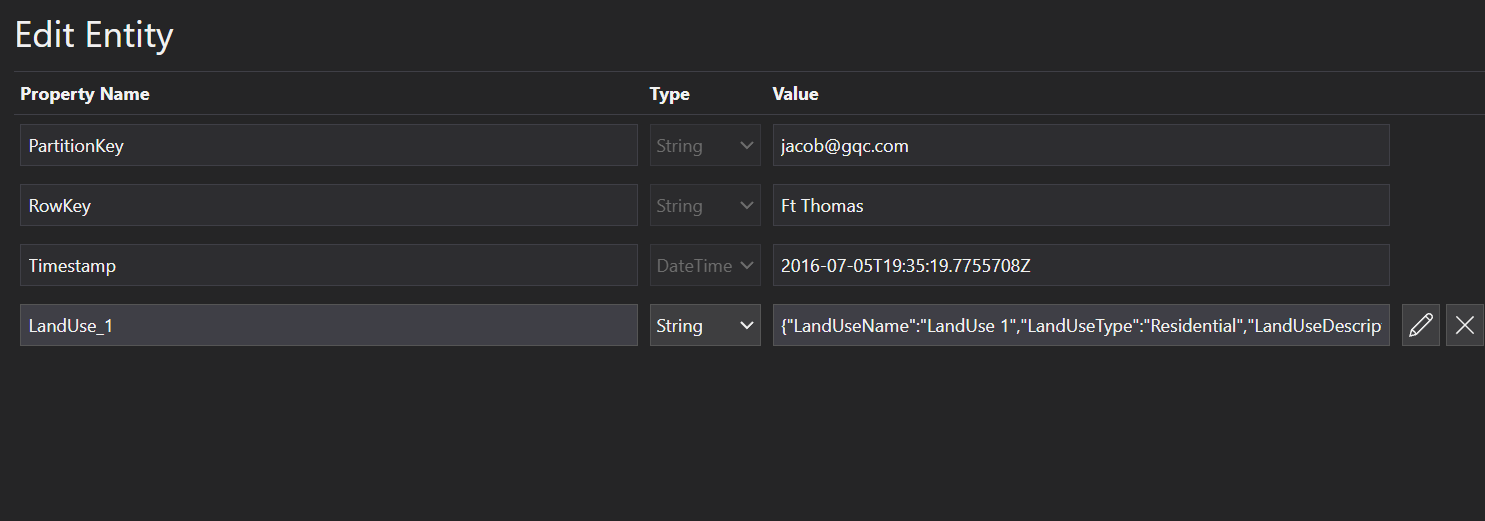
NSWC Pollutant
This is the table that we should use.

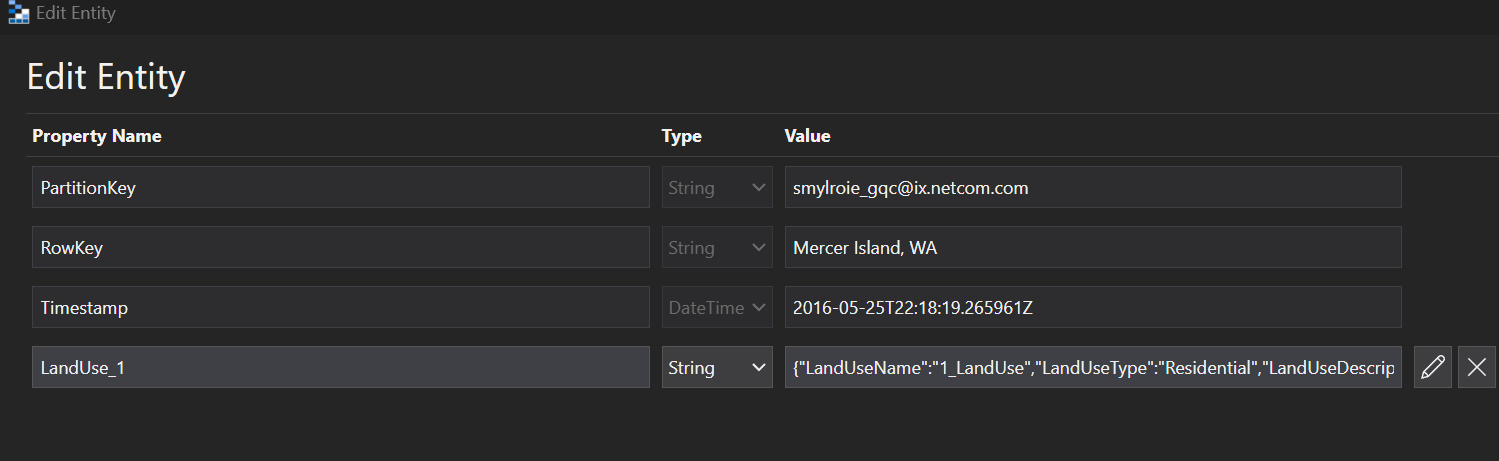
NSWC Pollutants
This is not the correct table. It should be deleted.

Blob Storage
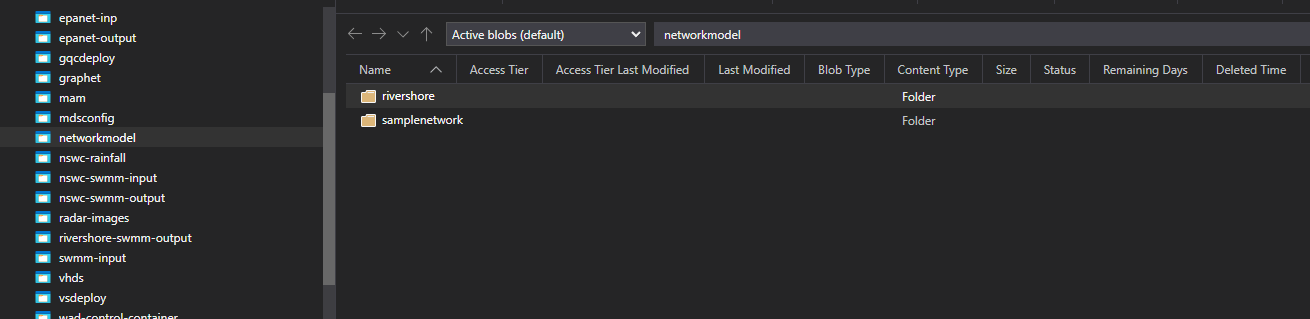
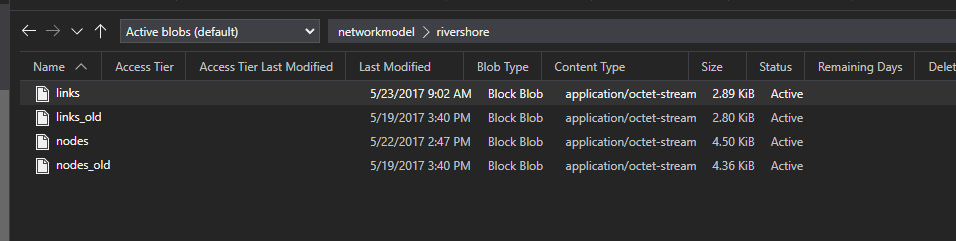
Network Model
List of Links and Nodes. The links reference the nodes and the nodes have Lat Longs.
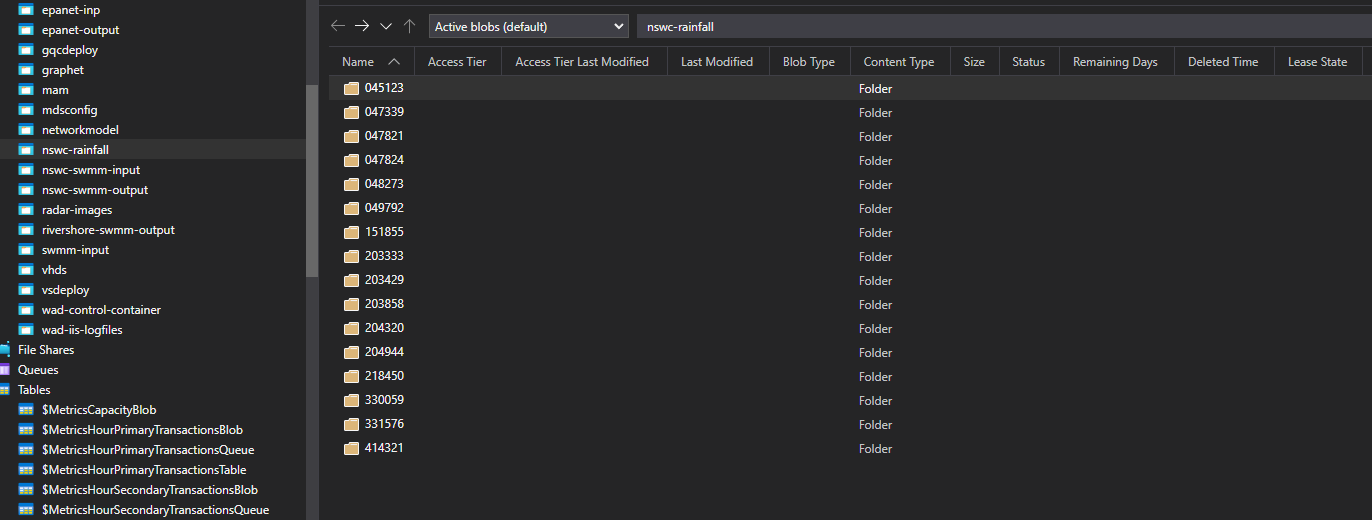
nswc rainfall
Rainfall from 1970 to current.
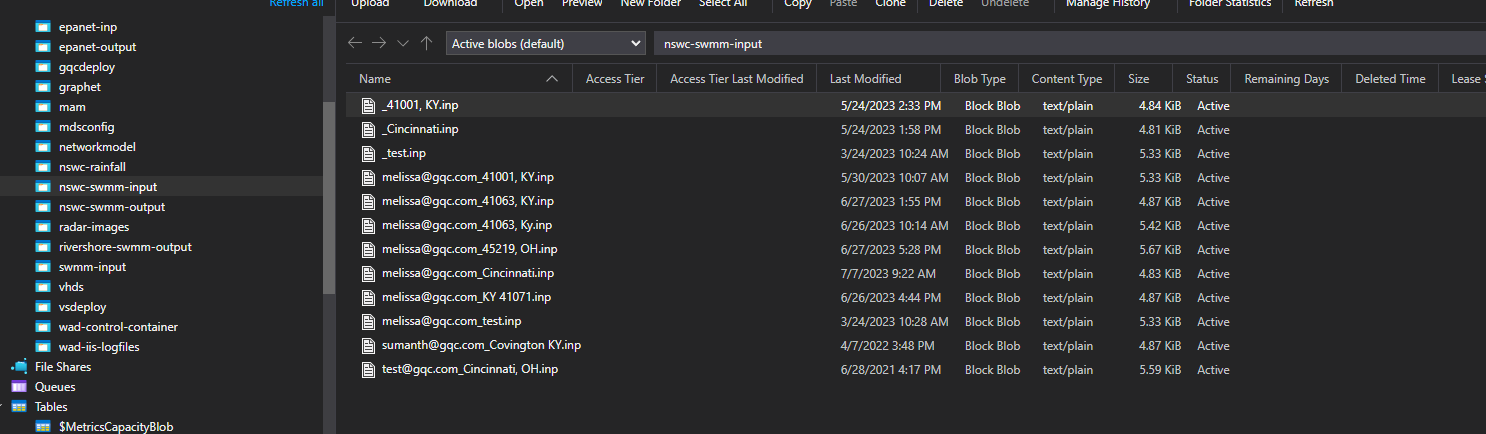
nswc swmm input
NSWC input files.
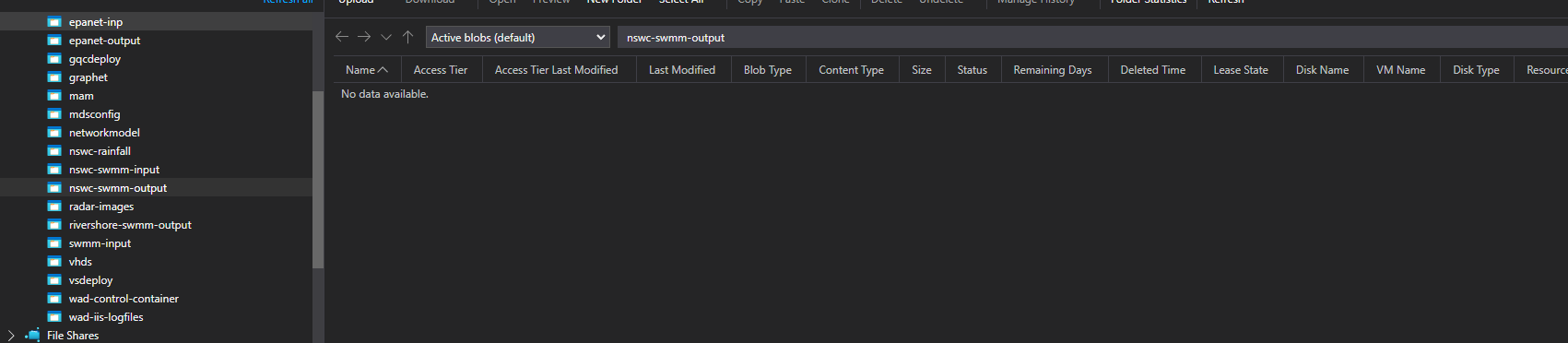
nswc swmm output
This is empty.
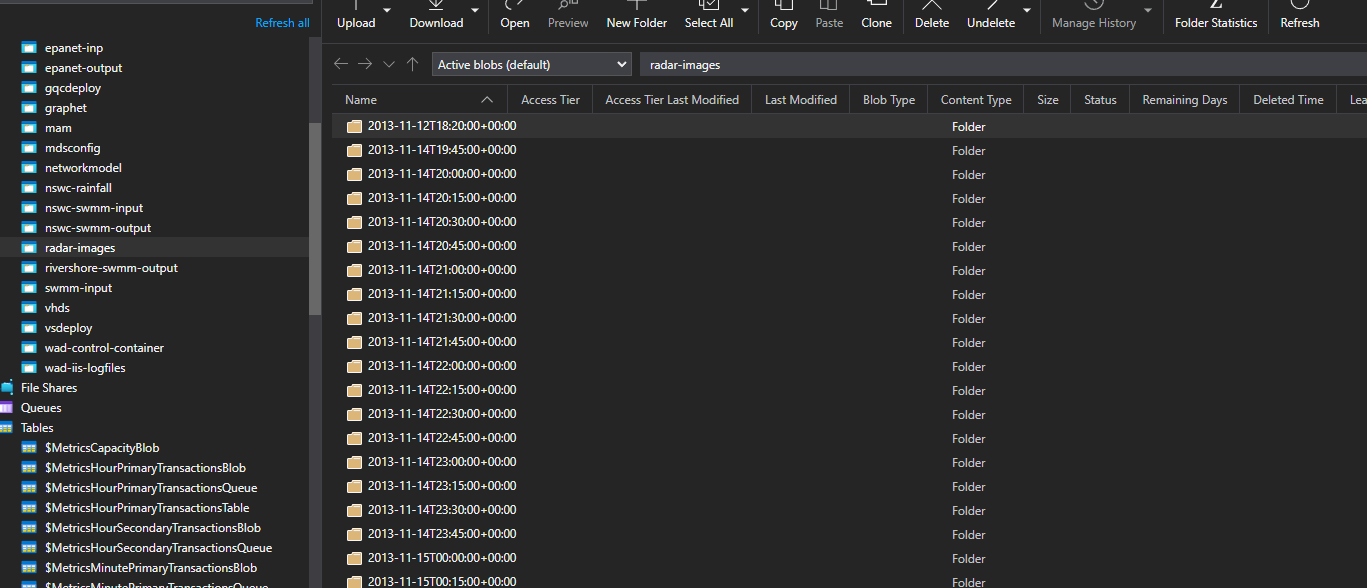
radar images
Doppler radar images.
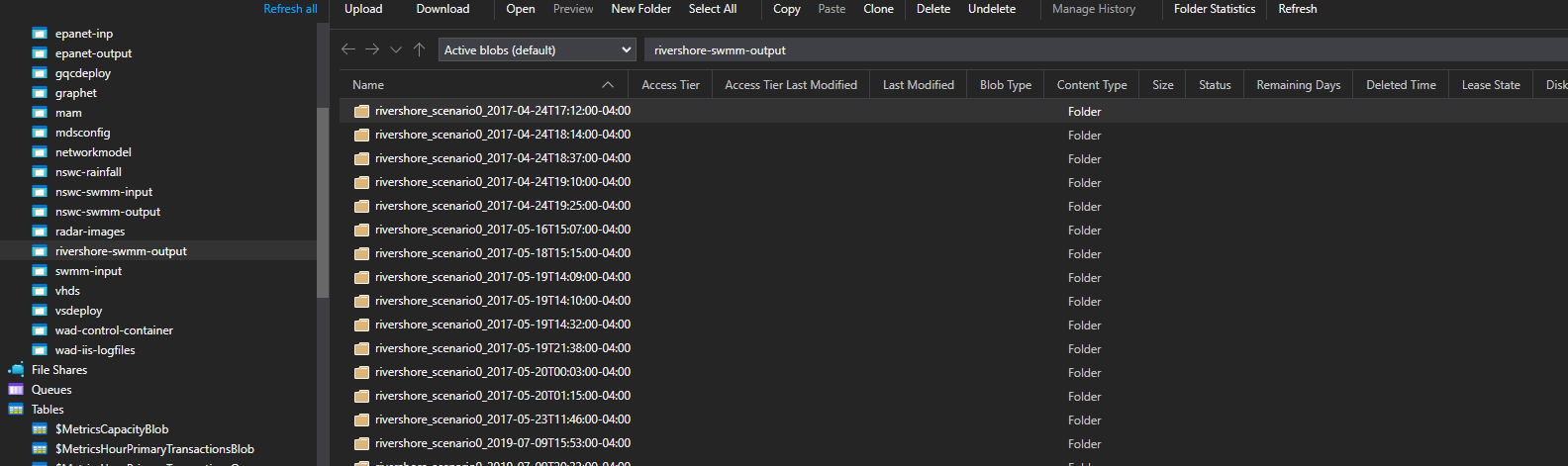
rivershore swmm output
SWMM output files binary output.
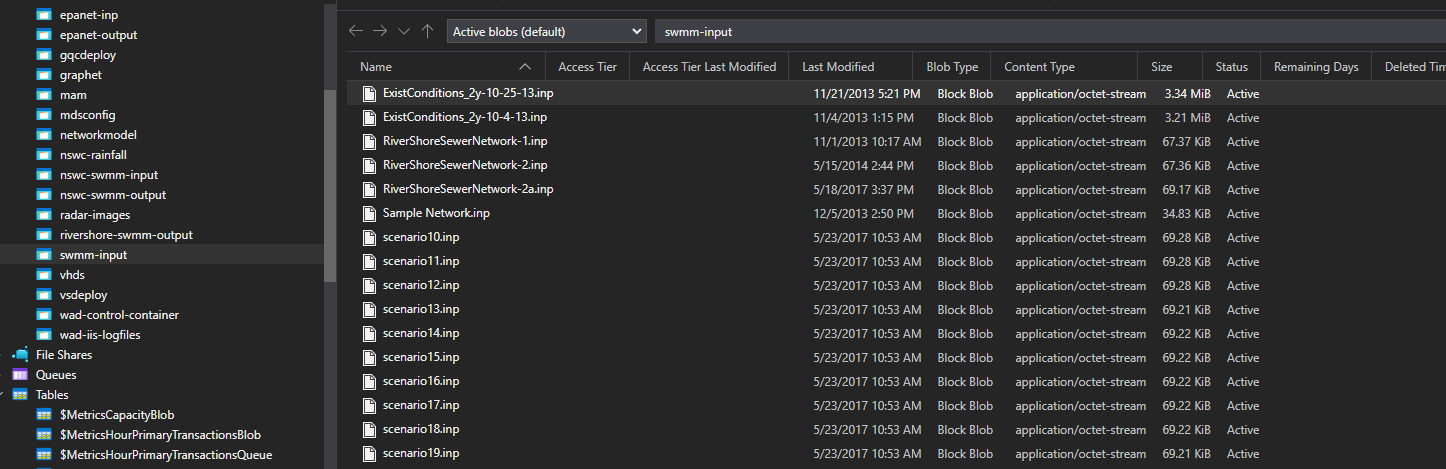
swmm input
scenario inp files for SWMM.