Leaving off on WNTR
EPANET Engine
The EPANET engine creates a inp file, bin file,
WNTR Engine
Results from EPANET vs WNTR engine
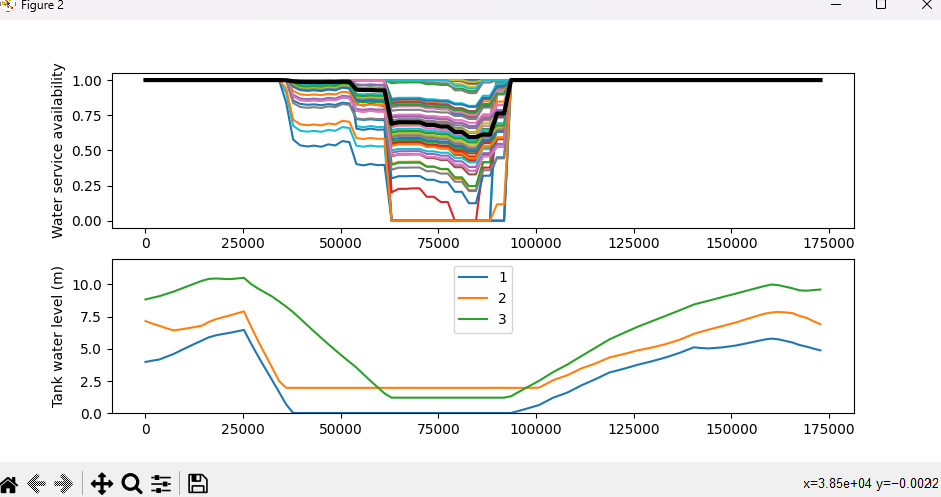
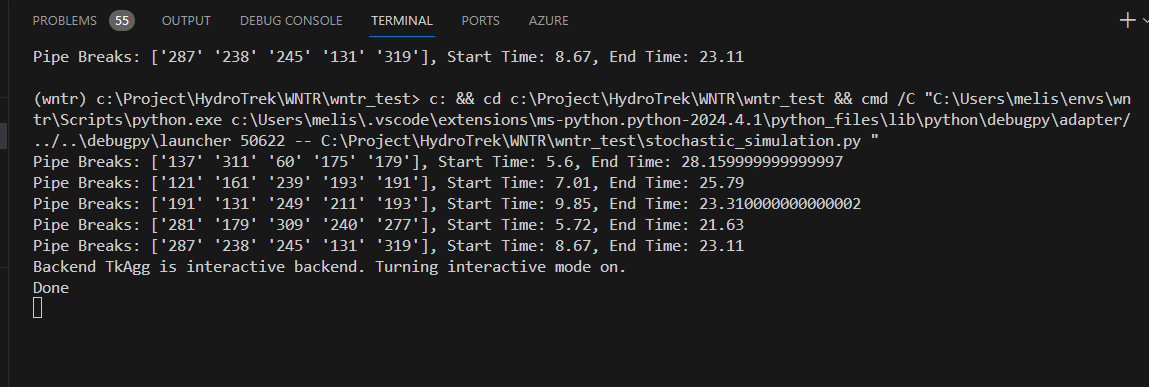
We used example stochastic_simulation This created 5 leaks in the pipes. Note there is a lot of hardcoding in these sections.
WNTR Results
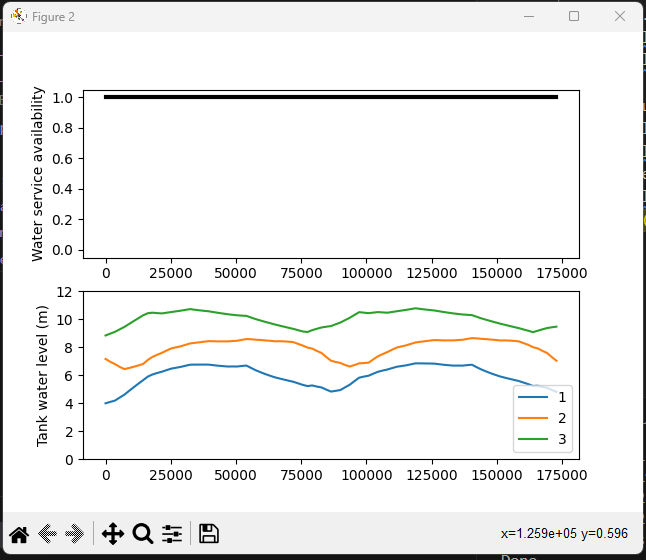
EPANET Results

Creating a new Leak
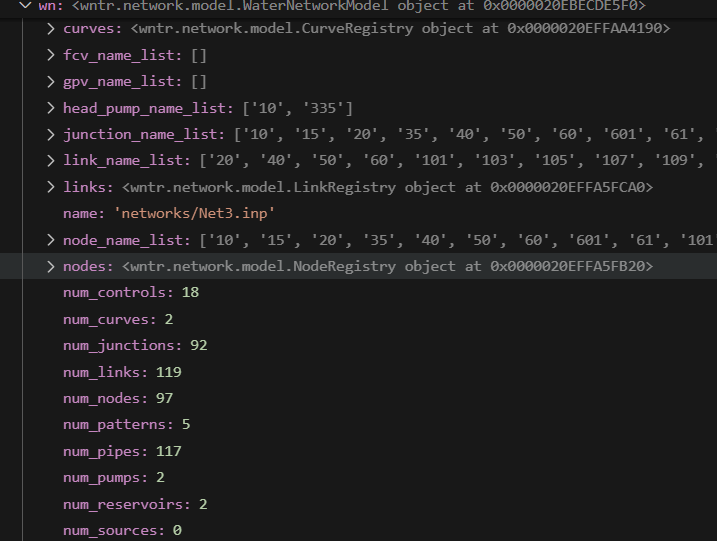
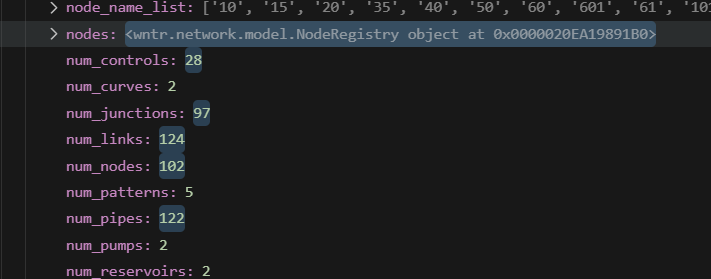
During the process of creating a new leak an addtional node and pipe are added here you can see the results of 5 leaks being added to pipes.
INP File comparison
The files is diffrent but the main changes are adding the leak data as well as adding the 1st demand pattern into the file.
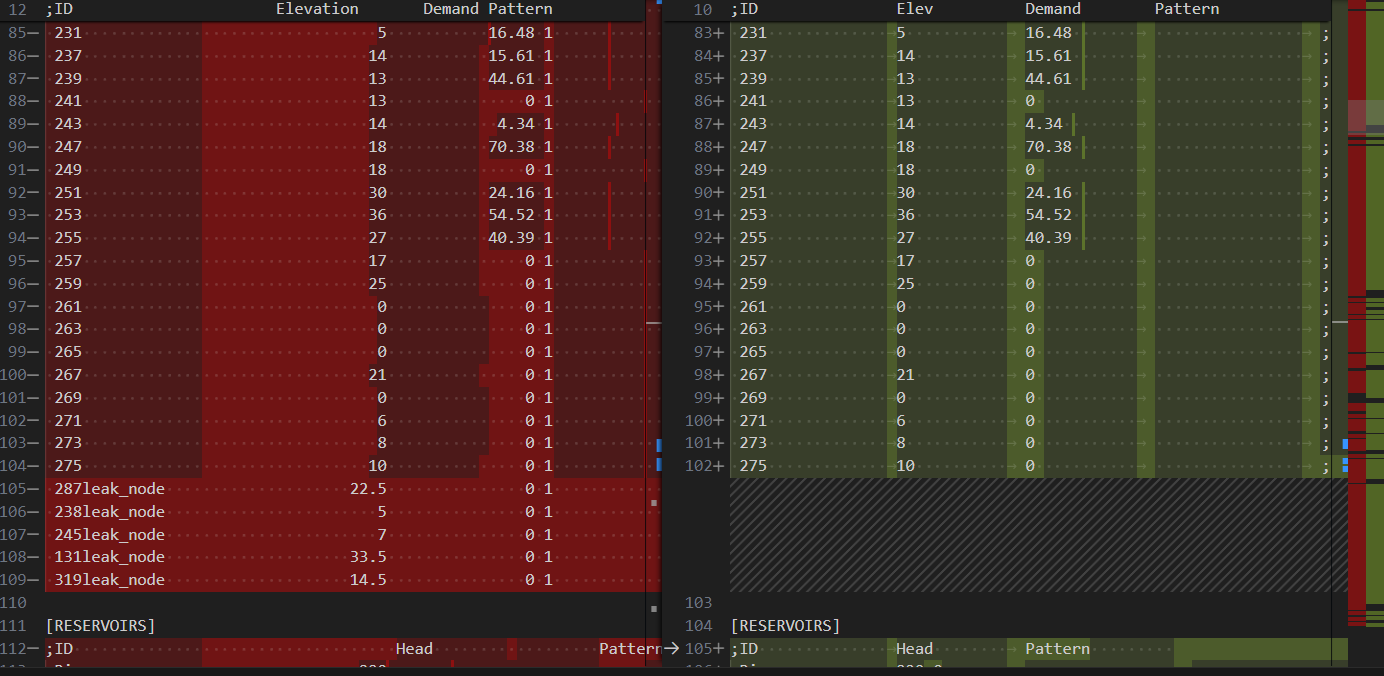
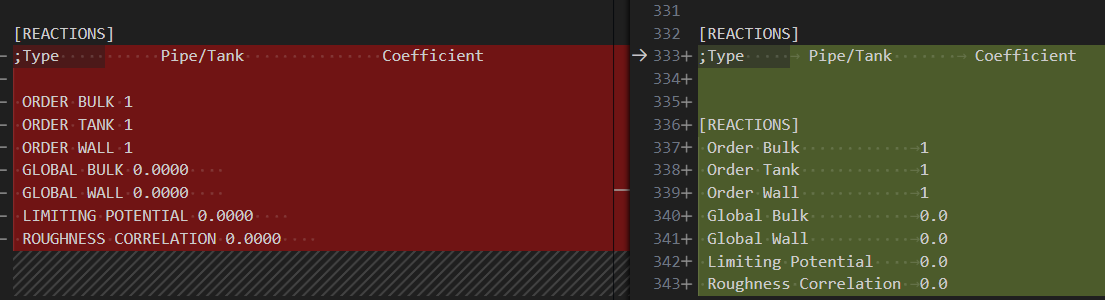
Sudhir at the time noted that it looks like things for the epanet engine seem half finished. The new file seems to overwrite the old file changing the precision of the values. This all leads to a feeling of this not being finished.
Controls in WNTR
This next section is taken directly out of the documentation in the link above
Controls are defined using an “IF condition; THEN action” format. Controls use a single action (i.e., closing/opening a link or changing the setting) based on a single condition (i.e., time based or tank level based). Unlike EPANET simple controls which are evaluated based on the order in which they are defined in the INP file, controls in WNTR can be prioritized to set the order of operation. If controls with conflicting actions should occur at the same time, the control with the highest priority will override all others. Controls are evaluated after each simulation timestep. If a time based or tank level condition is not exactly matched at a simulation timestep, controls make use of partial timesteps to match the condition before the control is deployed.
Rules are more complex; rules are defined using an “IF condition; THEN action1; ELSE action2” format, where the ELSE block is optional. Rules can use multiple conditions and multiple actions in each of the logical blocks. Rules can also be prioritized to set the order of operation. If rules with conflicting actions should occur at the same time, the rule with the highest priority will override all others. Rules operate on a rule timestep, which can be different from the simulation timestep. Rules in WNTR emulate EPANET rule-based controls.
When generating a water network model from an EPANET INP file, WNTR generates controls and rules based on input from the [CONTROLS] and [RULES] sections. These controls and rules are then used when simulating hydraulics with either the EpanetSimulator or the WNTRSimulator. Controls and rules can also be defined directly in WNTR using the API described below. WNTR includes additional options to define controls and rules that can be used by the WNTRSimulator.
The basic steps to define a control or rule are:
- Define the action(s) (i.e., define the action that should occur, such as closing/opening a link)
- Define condition(s) (i.e., define what should cause the action to occur, such as a tank level)
- Define the control or rule using the action(s) and condition(s) (i.e., combine the defined action and condition)
- Add the control or rule to the water network model
Pritority
Priority levels are defined in the ControlPriority class and include the following options.
- very_low or 0
- low or 1
- medium_low or 2
- medium or 3
- medium_high or 4
- high or 5
- very_high or 6
Controls
A control is created in WNTR with the Control class, which takes an instance of any of the above conditions, and an action that should occur when the condition is true.
Controls are also assigned a priority. If controls with conflicting actions should occur at the same time, the control with the highest priority will override all others. The priority argument should be an element of the ControlPriority class. The default priority is medium (3).