Utilities
OS: Ubuntu 20.04 LTS
Wireshark
Install wireshark
sudo apt update
sudo apt install wireshark
Open wireshark
sudo wiresharkApply filters to ip address and port
ip.addr == 192.168.0.28 && tcp.port == 23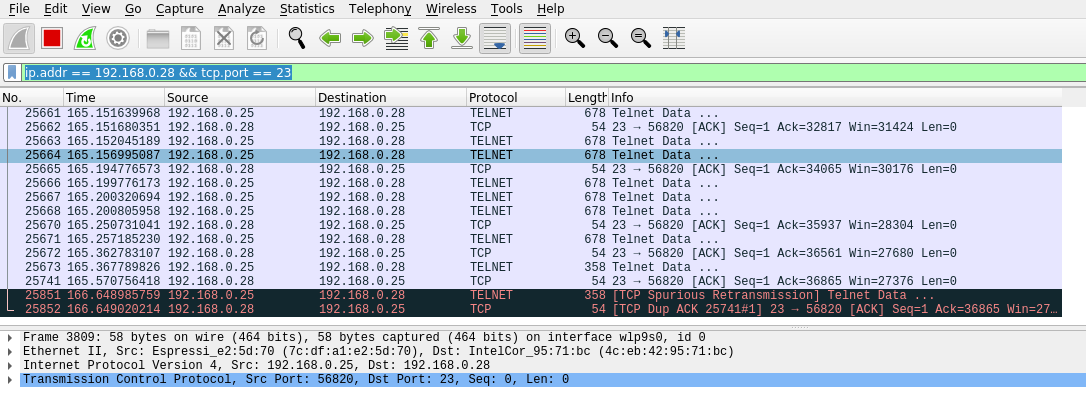
CuteCom
OS: Ubuntu 20.04 LTS
A Linux based serial monitor
sudo apt install cutecom
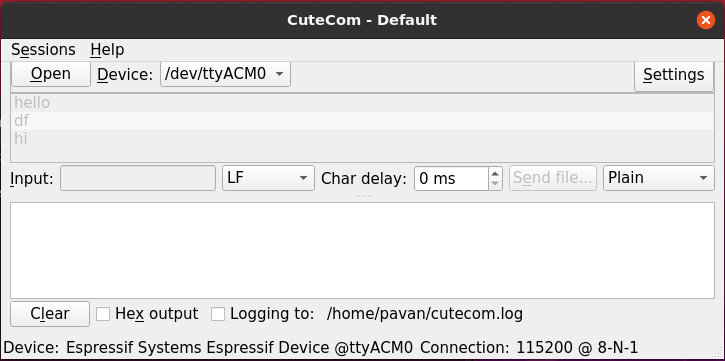
Terminal based serial monitoring
Install terminal serial monitoring app
sudo apt install screenFind the USB port name
ls -l /dev/ttyUSB* /dev/ttyACM*
Add user privilage
sudo usermod -a -G dialout $USERRun the tool to monitor the serial port in terminal
screen [USB port name found in \#2] [baudrate]
screen /dev/ttyUSB0 115200