Setting up loe_coe_app
- Open WSL on your machine and go to git/gqc
- clone the Repo
git clone git@github.com:gqc/loe_coe_app.git
- CD into the project
cd loe_coe_app
- Switch to the development branch called
dev
git checkout dev
- create a new virtual environment for this project
env mkvitualenv loe-coe-env
- Install Requirementsdanger
There are 2 requirements files
pip install -r requirements.txt
pip install -r reqs.txt
- Copy the databases from the MSI server.caution
Make sure you WSL has an SSH key to the msi server.
scp msi:/home/gqc/git/gqc/loe_coe_app_deven_fork/data .
 The databases should download.
Run the Streamlit App
The databases should download.
Run the Streamlit App
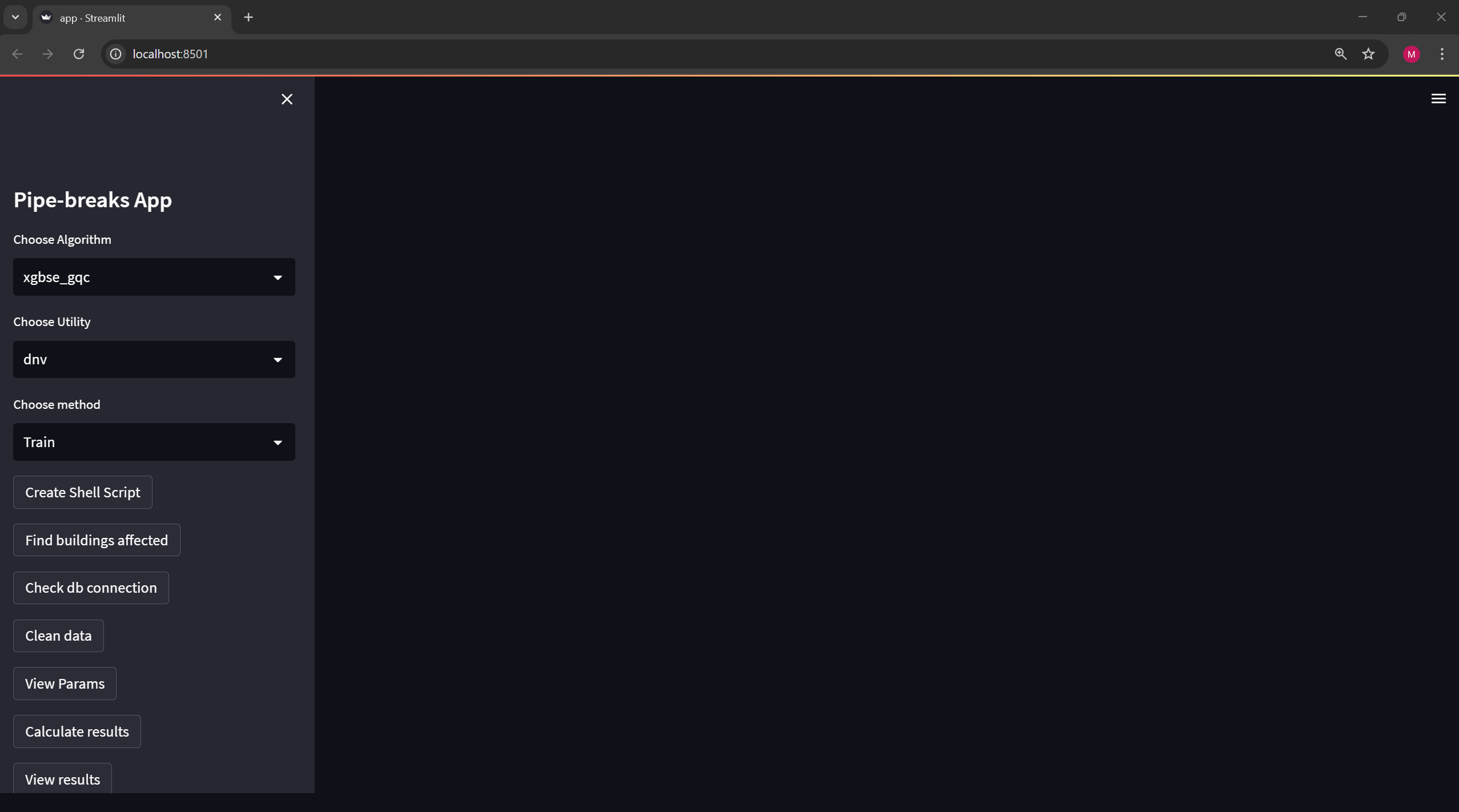
streamlit run app.py
This will launch the app in Chrome.