Different CCTV video types
DNV
DNV-video_type_1
All 81 (only 80 videos were used for training) videos uploaded in 2022 have type 1.
The PACP code is followed by the word
Observation.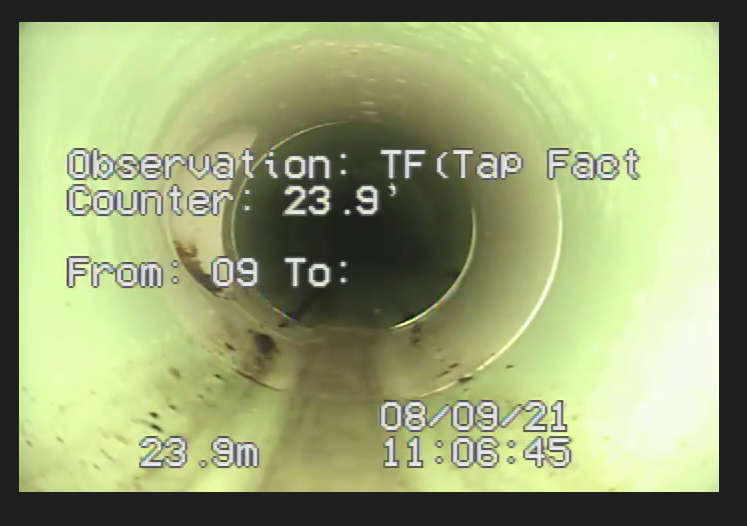
DNV-video_type_2
All 406 PACP videos uploaded on January 2023 have type 2.
The PACP code is followed by the word
Code.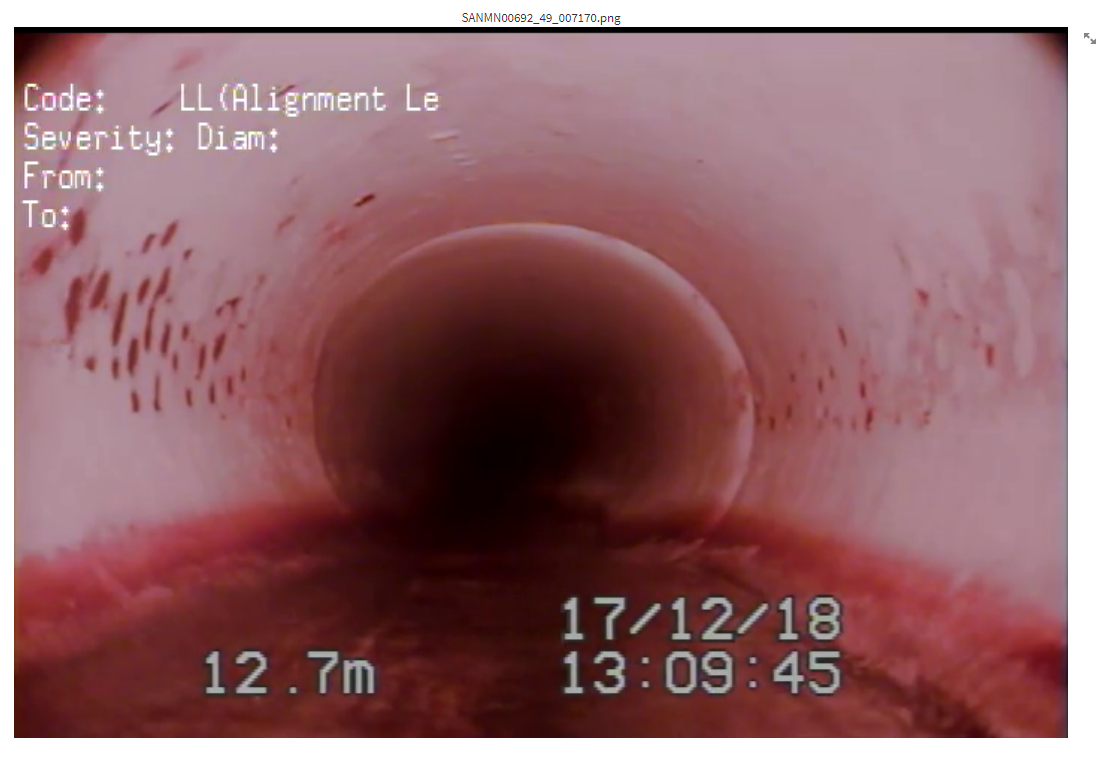
1066 WRc videos
SD1
SD1-video_type_1
Distance is located at the bottom left. The distance is not followed by any characters.
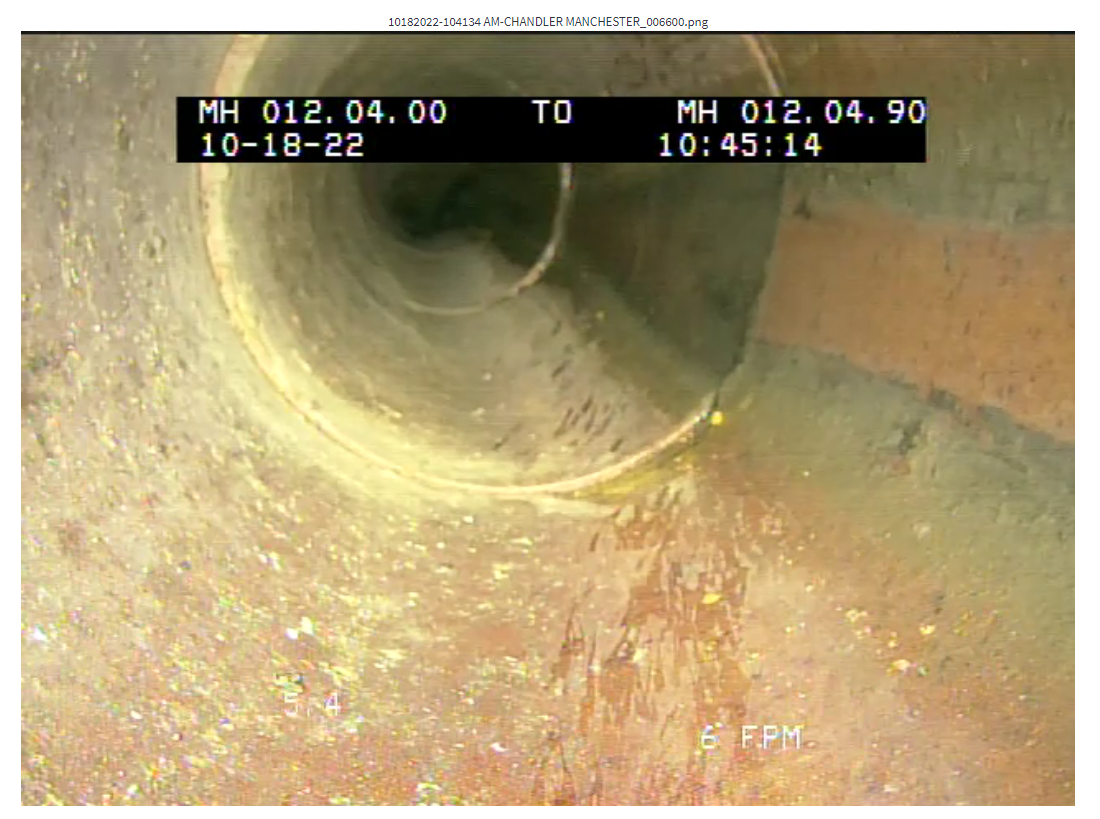
The description of PACP code appears in the black box and the distance is followed by
T. (not sure if latter part is true for other cases)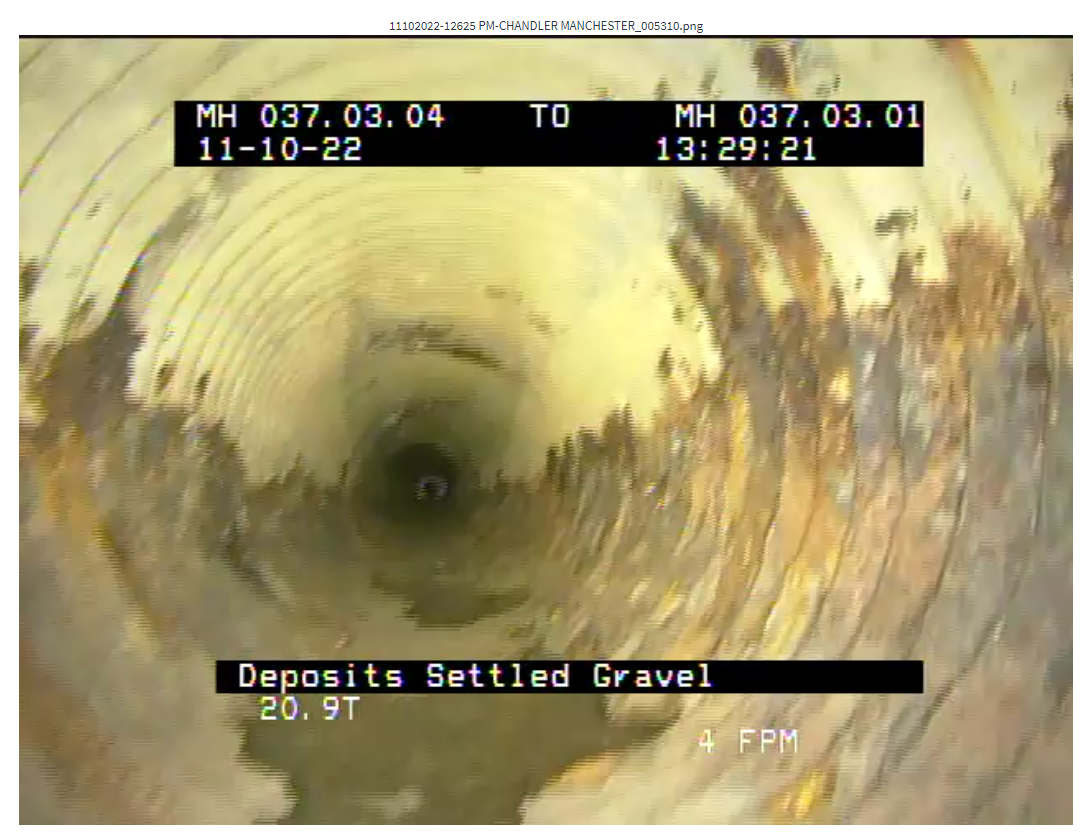
Sometime, I saw some frames with distance followed by
FT.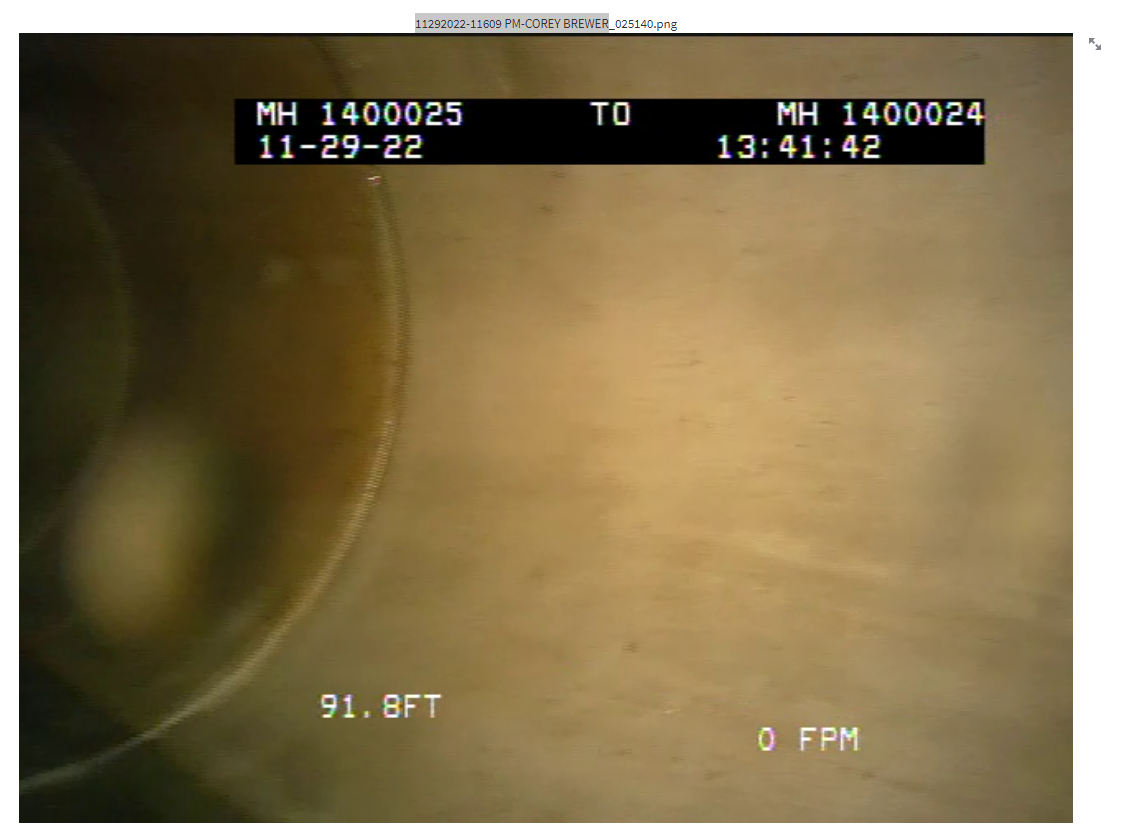
SD1-video_type_2
Distance is located at the bottom left. The distance is followed by
F.Texts are inside non opaque box.
Type 2 videos do not display PACP codes.
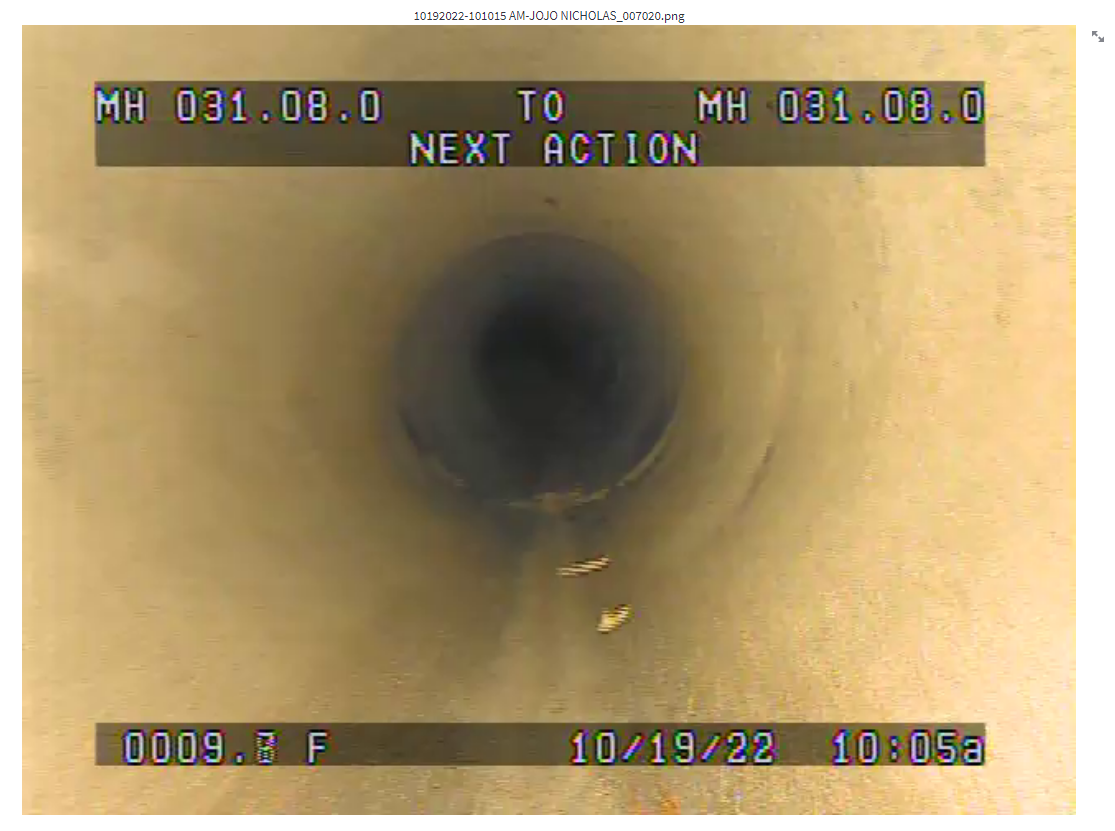
SD1-video_type_3
Distance is located at the bottom left. The distance is followed by
FT.Texts are inside black box.
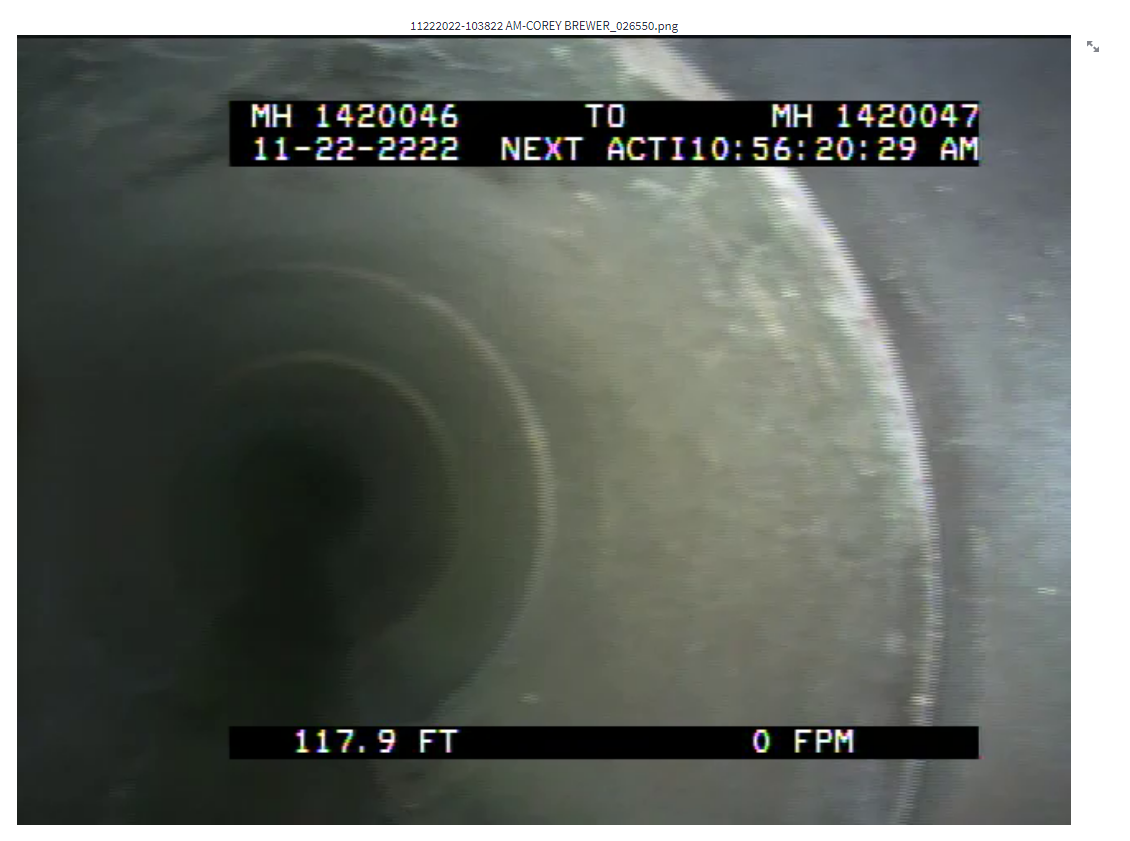
The distance appears twice when the The description of PACP code is shown.
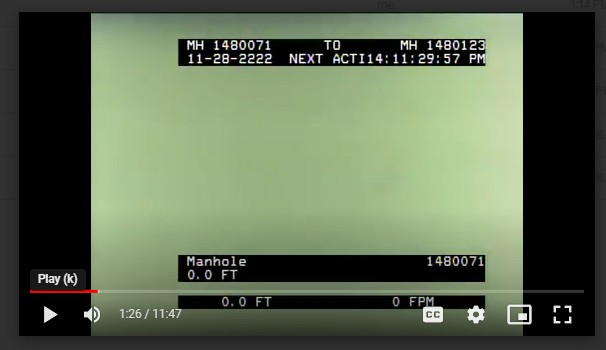
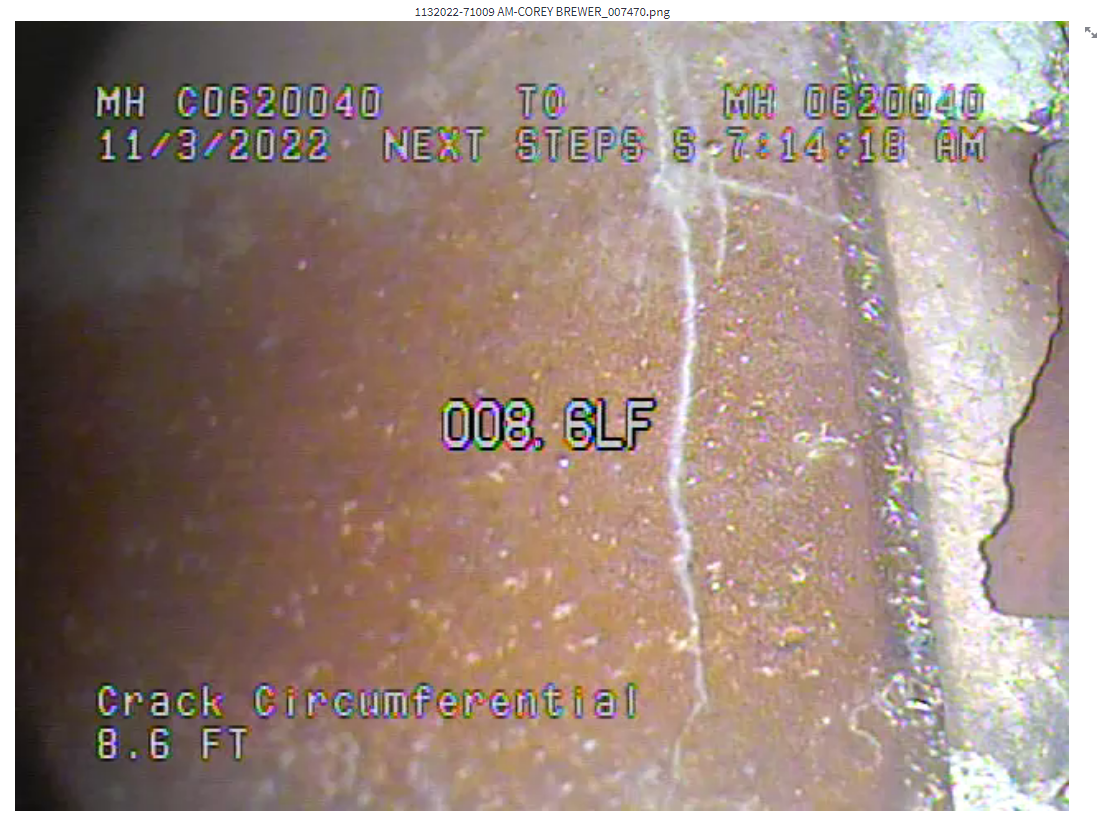
SD1-video_type_4
Distance is located at the bottom left and is followed by
FT.Distance also appears in the middle of the frame and is followed by
LF.Texts are not bounded by boxes.
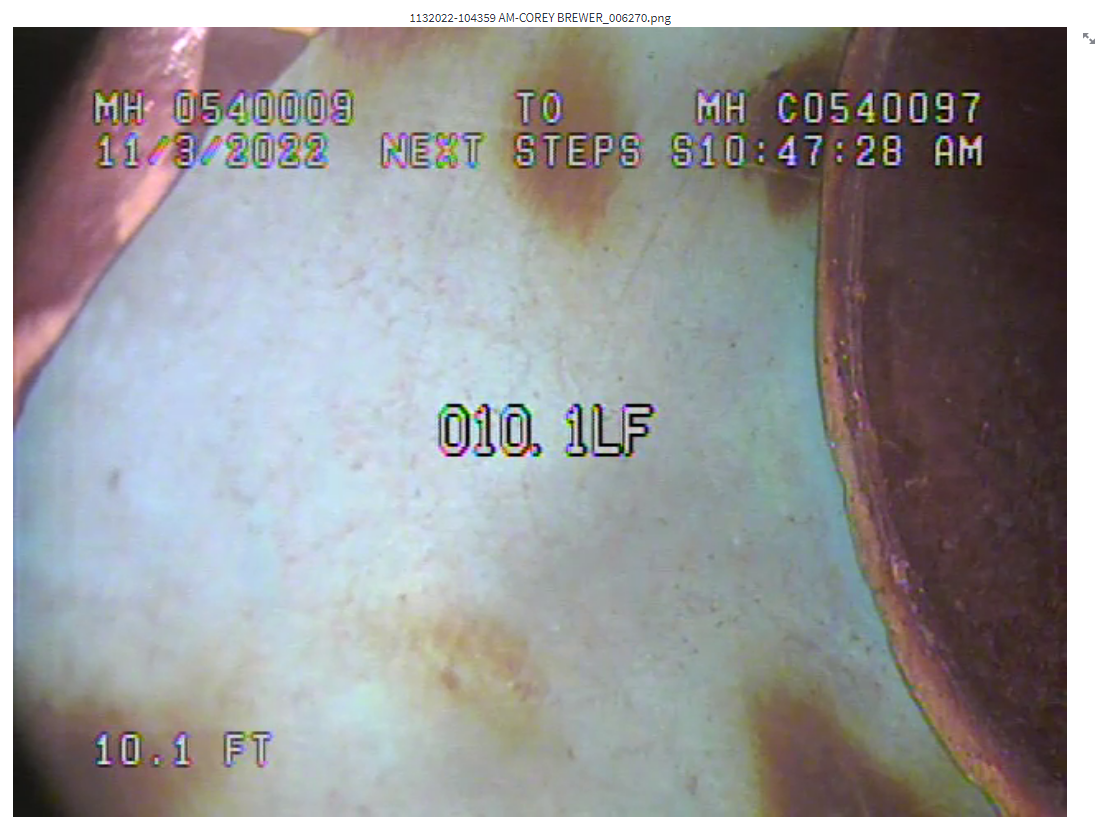
The description of PACP code appears on top of the distance located at the bottom left.
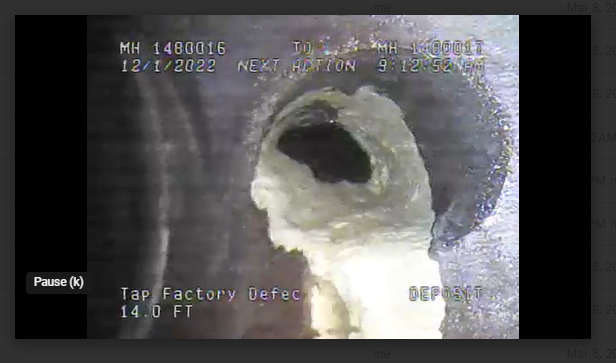
SD1-video_type_5
Distance is located at the bottom left and is followed by
FT.Texts are not bounded by boxes.
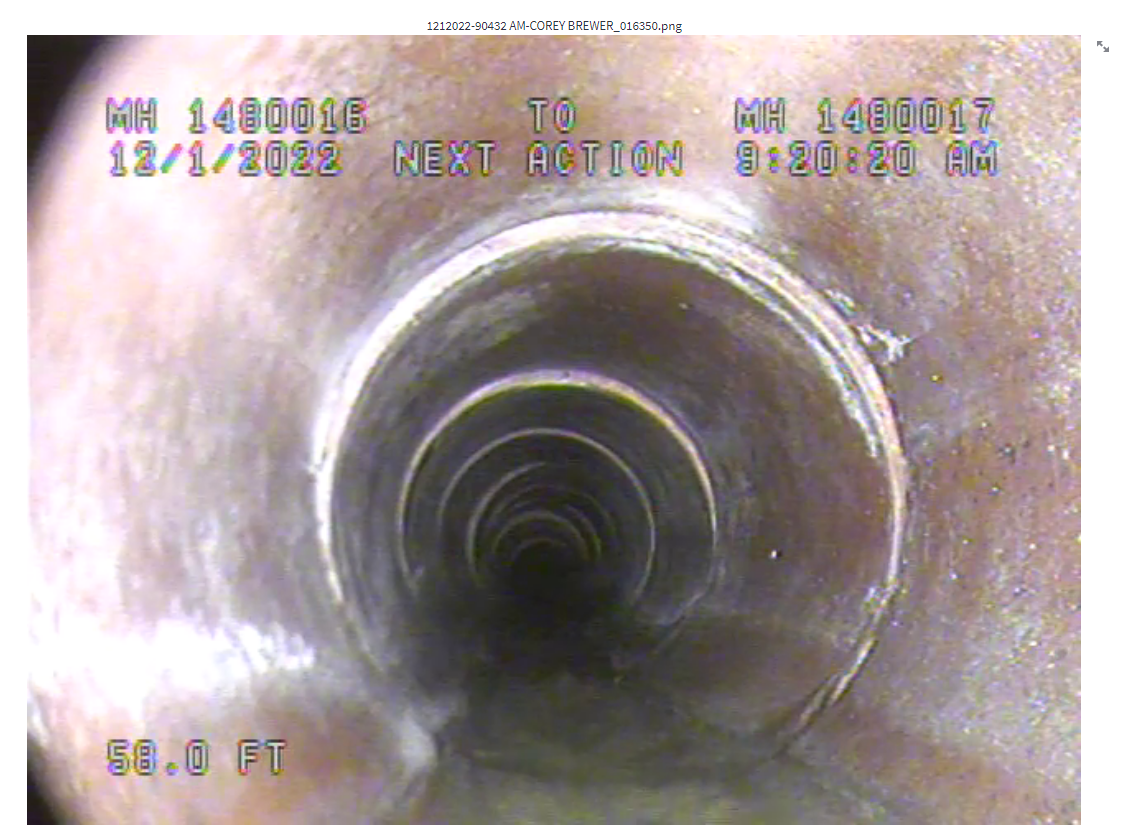
The description of PACP code appears on top of the distance located at the bottom left.
SD1-video_type_6
- Distance is located on the top left and is followed by
FT. - The description of PACP code appears below the distance located at the top left.
- A major issue is the PACP code description they show in the video can be non-standard as in the below example. These scenarios will not be detected by current
condition code extractionmethod. Need to explore a re-implementation based on theAI3research.Utility MetadataDB also does not containcode descriptioninformation they have used in video annotation.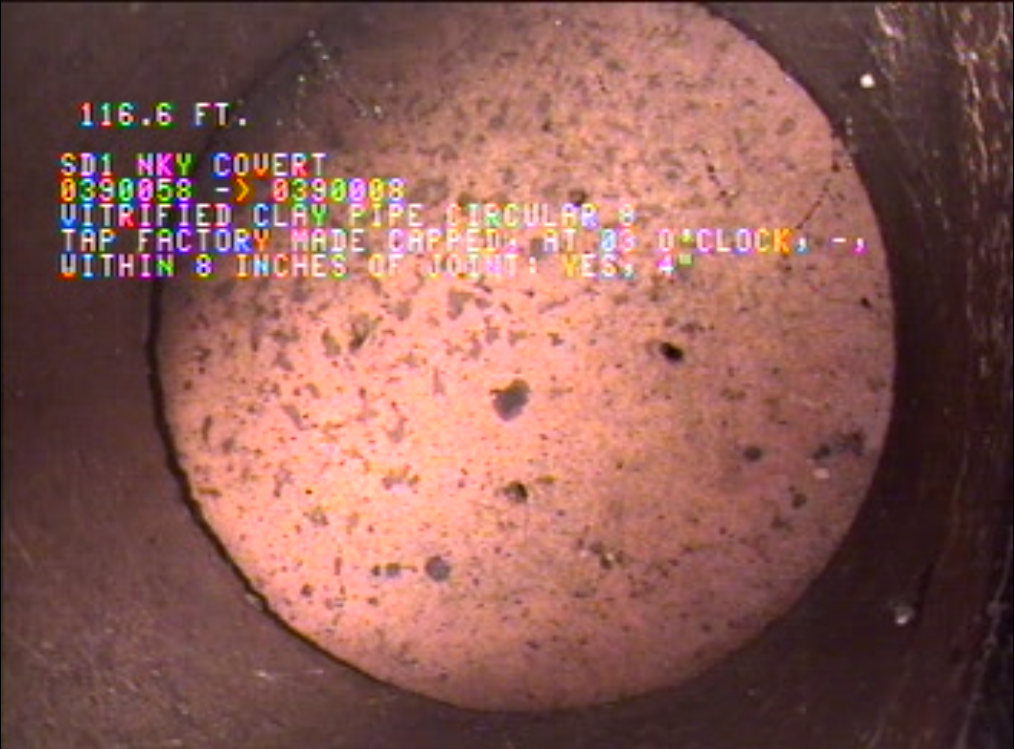
- Distance is located on the top left and is followed by
COV
COV-video_type_1
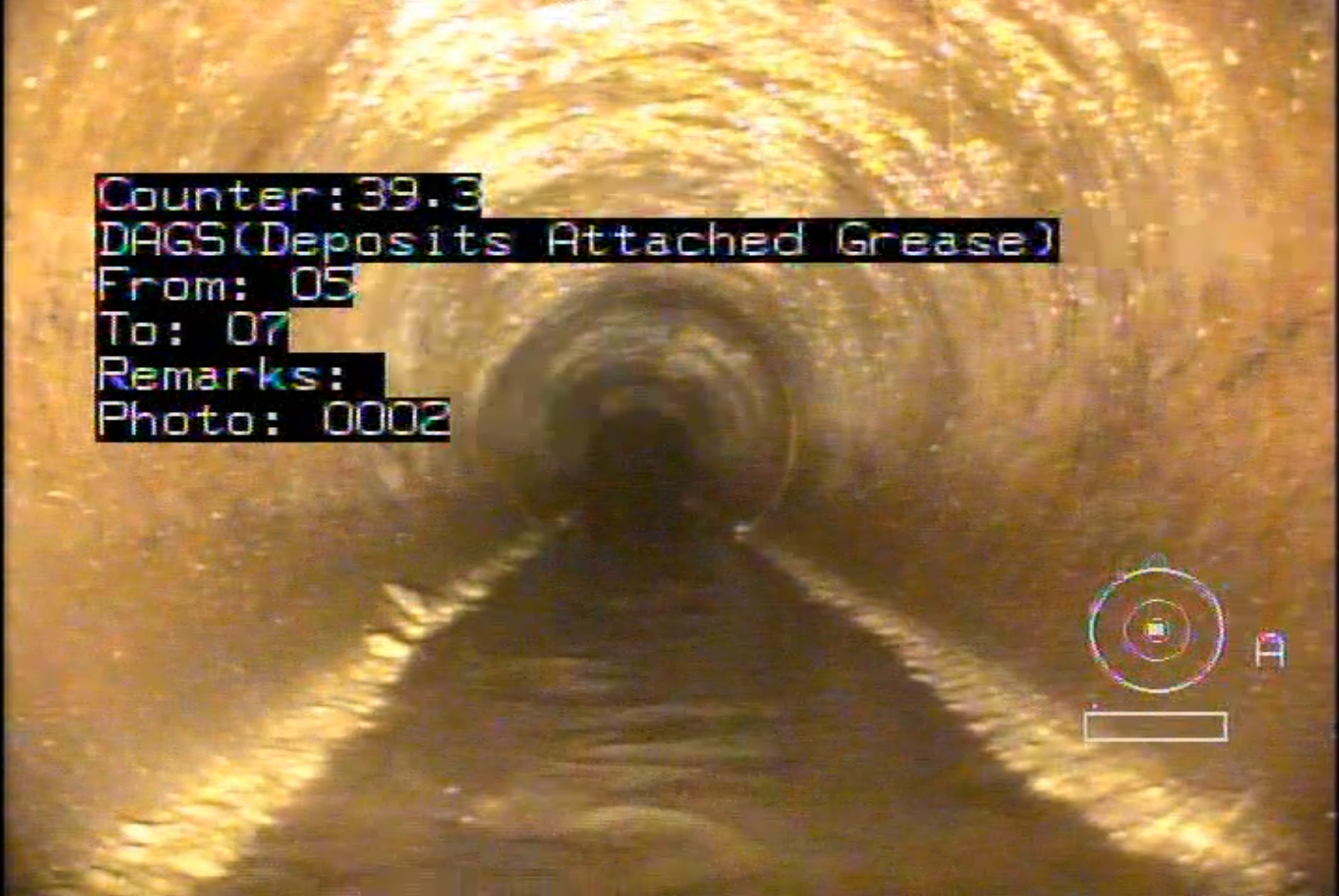
Distance is located at the top left.
Texts are inside blue box.
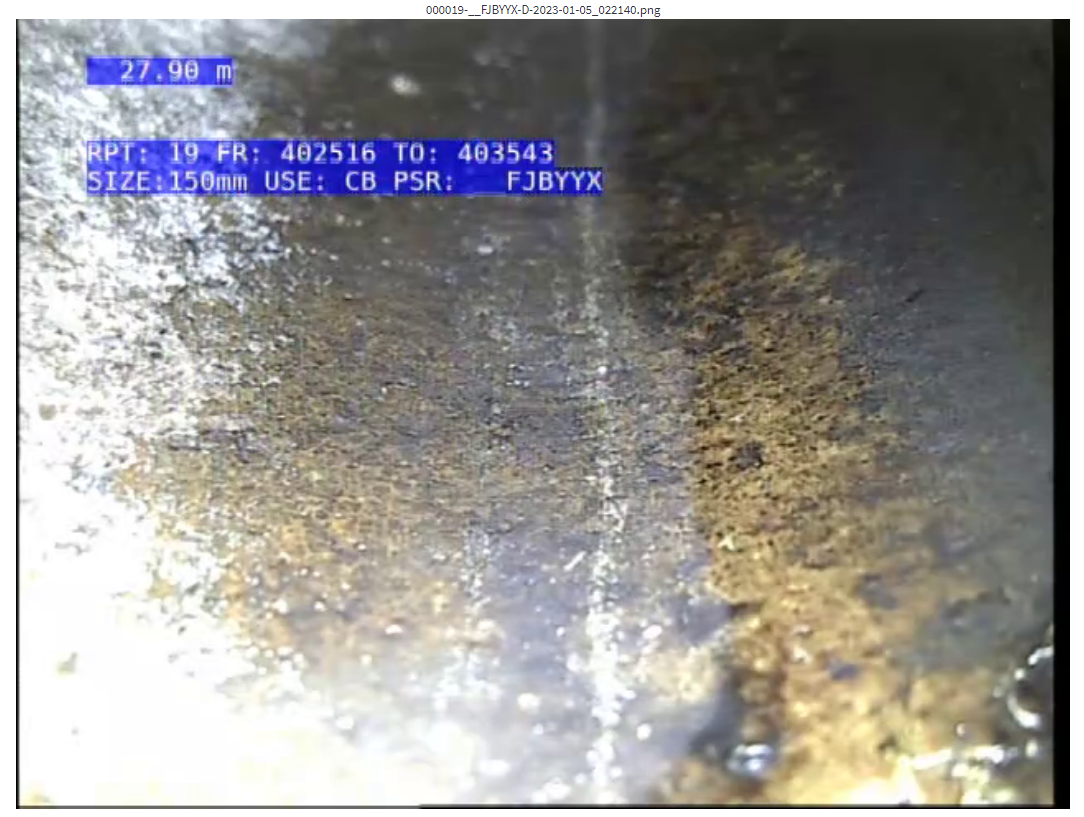
Counter distance appears when defect/feature code is entered.
The PACP code is shown and followed by its description. It is located under the counter distance.
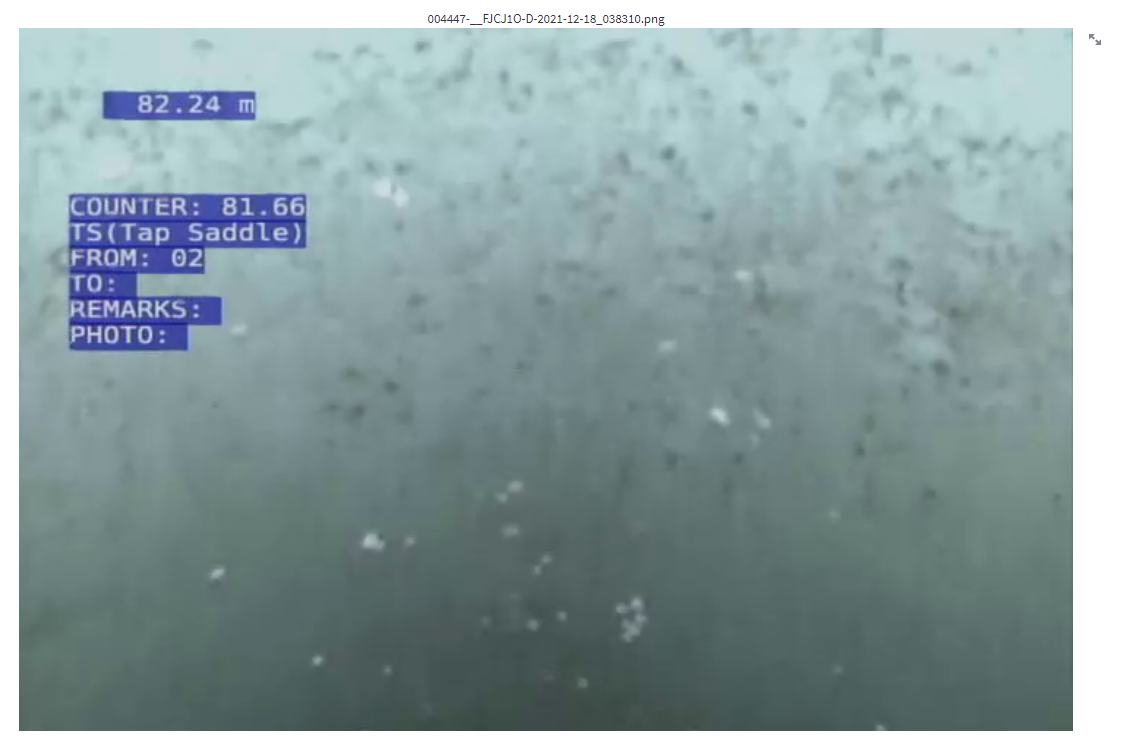
COV-video_type_2
Distance is located at the top left under pipe's property box.
Texts are inside black box.
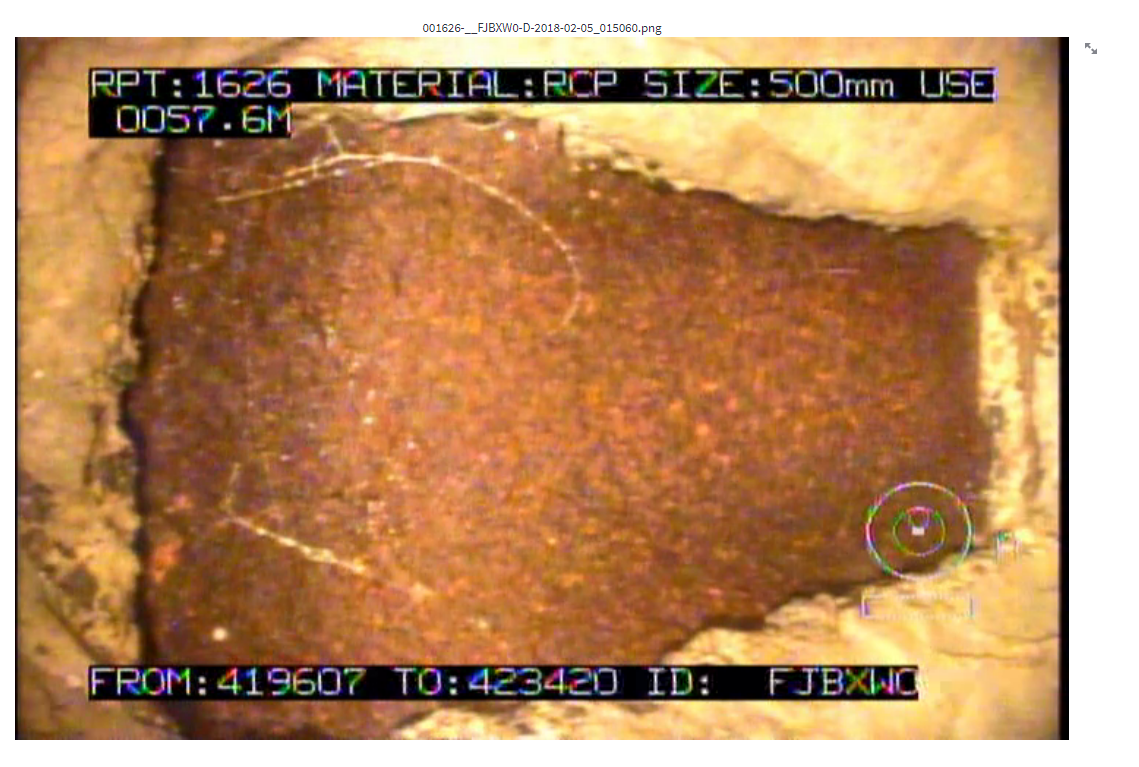
Counter distance appears when defect/feature code is entered.
The PACP code is shown and followed by its description. It is located under the counter distance.
METRO
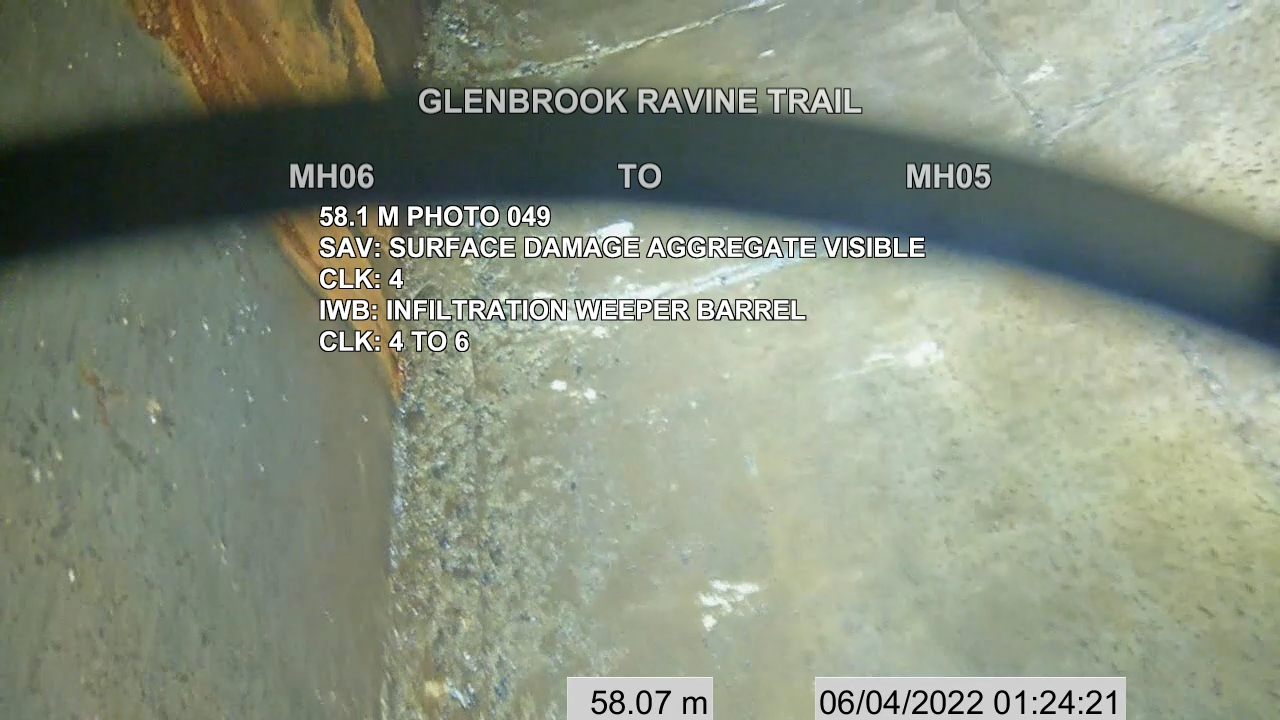
- METRO_video_type_1
- Distance is located in the bottom region and ending with
m. - PACP code and the description is displayed in full in the center of the frame. Multiple defect information can appear in the same frame.
- Distance is located in the bottom region and ending with
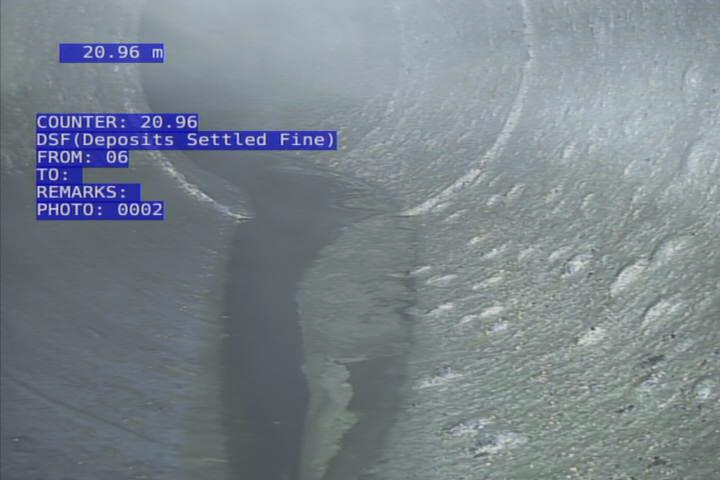
- METRO_video_type_2
- Distance is located in top left region with two decimal places and ending with
m. - Defects are annotated by both PACP code and the description.
- Distance is located in top left region with two decimal places and ending with
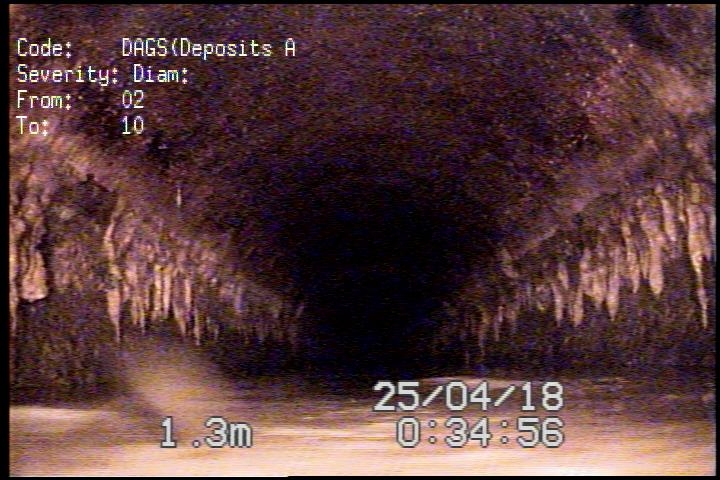
- METRO_video_type_3
- Distance is located in the bottom region ending with
m, followed by timestamp. - The defects are annotated by both PACP code and the description is truncated, located on the top-left region.
- Distance is located in the bottom region ending with